
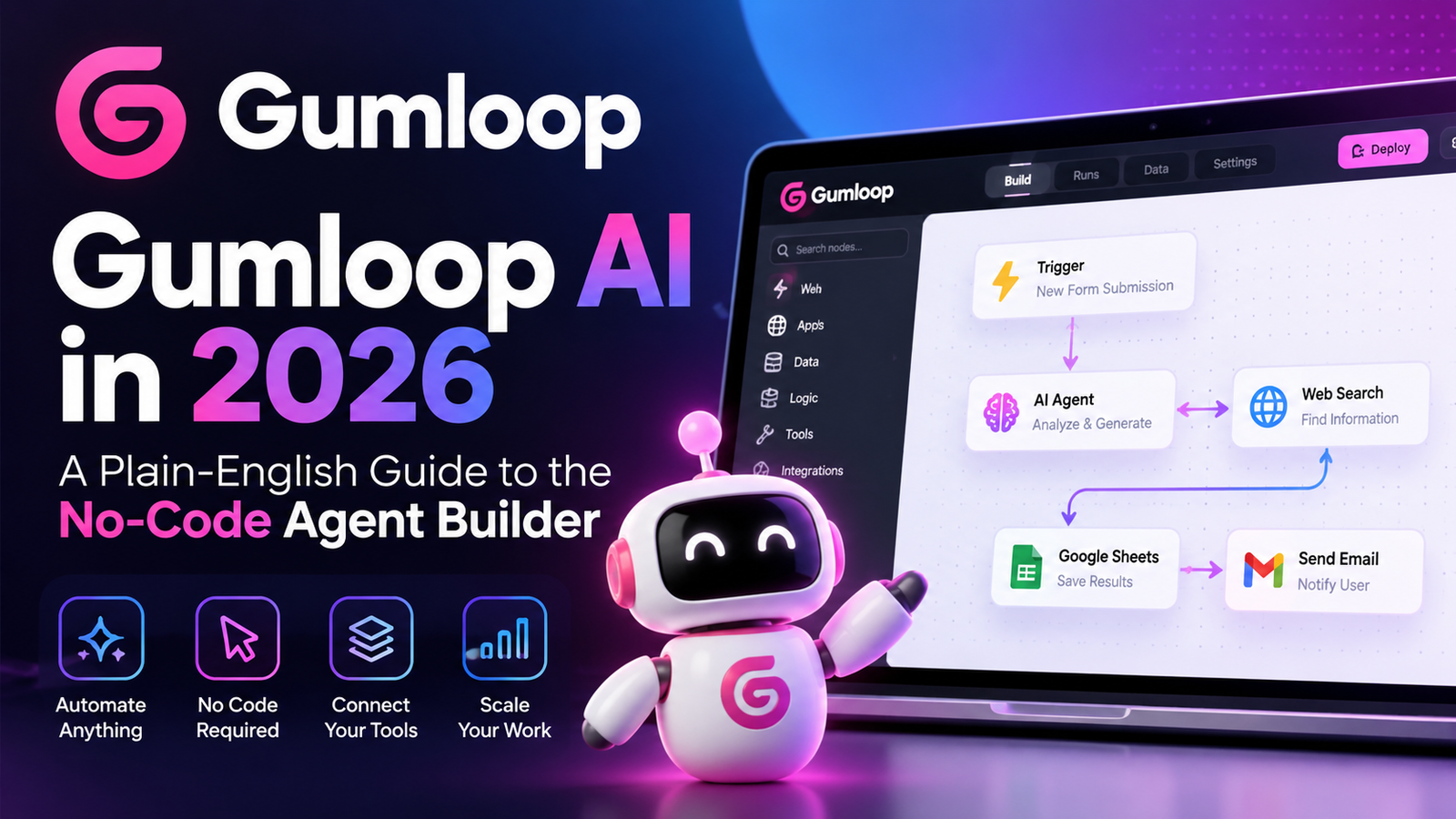
Picture a sales team that starts every week the same way. Someone copies new leads from a web form into a spreadsheet, looks up each company, writes a two-line summary, and pastes it into the CRM. It’s two hours of work that nobody enjoys and nobody does consistently.
That’s exactly the kind of job Gumloop was built to take over. It lets people with no engineering background build AI agents that research, make judgment calls, and update business tools on their own. The product has also changed a lot over the past year, and many reviews still describe an older version of it. This guide covers where Gumloop stands today.
Gumloop at a Glance
| What it is | A no-code platform for building AI agents that work across your business apps |
| Company | AgentHub Inc., started in 2023 in Vancouver; CEO Max Brodeur-Urbas, CTO Rahul Behal |
| Funding | $50M Series B led by Benchmark (March 2026), with Y Combinator, Nexus Venture Partners, First Round Capital, and Shopify Ventures participating |
| Notable customers | Shopify, Instacart, Ramp, Gusto, Samsara |
| Starting price | Pro from $37/month, with a 14-day free trial |
| Security | SOC 2 Type II, GDPR, optional private-cloud deployment for Enterprise |
The Big Change: From Workflow Canvas to Agent Builder
Gumloop first made its name with a drag-and-drop canvas where you linked building blocks, called nodes, into automated flows. That canvas still exists, but Gumloop’s pricing page now labels workflows as a legacy feature. Its Y Combinator profile goes further, stating outright that Gumloop is an agent builder rather than a visual workflow builder.
The difference matters. A workflow follows the exact path you draw, step by step. An agent is given a goal and a set of tools, then decides the steps itself. Gumloop’s agents can also reflect on past runs and get better over time. So if a review from 2025 describes Gumloop as “Zapier with AI nodes,” it’s describing a product the company has since moved past.
How Gumloop Works?
Agents that live where your team already works
Gumloop agents run inside Slack, Microsoft Teams, and email, so colleagues can hand them tasks the same way they’d message a coworker. You can choose from more than 35 AI models from providers such as OpenAI, Anthropic, Google, and xAI, or connect your own API keys.
Skills and a shared “company brain”
Agents draw on a shared knowledge layer made up of internal documents, reusable skills (saved instructions for recurring jobs), and live context from connected apps. Skills make a measurable difference. Gumloop reports that agents using them succeed on the first attempt 89% of the time, up from 55% without them.
Integrations, MCP, and Gummie
Agents connect to everyday tools like Gmail, Google Sheets, Slack, Salesforce, and GitHub. When a prebuilt action doesn’t exist, Gumloop’s built-in assistant, Gummie, can help you create a custom connector through MCP, the open standard many AI tools now use to talk to other software.
Triggers and oversight
Agents can run on a schedule or kick off when something happens, like a new email or form submission. Admins decide which models and apps each team can use. A separate product, Gumstack, gives security teams a log of AI tool activity across Gumloop and outside tools such as ChatGPT, Claude Code, and Cursor.
What Building an Agent Looks Like
Using the lead-research example from the start of this article, the process looks roughly like this:
- Describe the job. A new agent starts with a single question about what it should take care of. You answer in plain English, for example: research every new inbound lead and add a short summary to our CRM.
- Connect your apps. Gumloop suggests the connectors it needs, such as your form tool, web search, and CRM, and you sign in to each.
- Review its instructions. The agent drafts its own instructions. Tighten them with your criteria, like flagging companies under 10 employees.
- Add a trigger. Set it to run on every new form submission.
- Test, then share. Run it on a few real leads, check the output, and share it with your team.
What Companies Actually Use It For
The customer stories are the strongest evidence that Gumloop works at scale. Shopify has used it to automate about 20 million actions across the company, and Instacart credits it with helping non-technical teams adopt AI. One case study on Gumloop’s site describes a partnership review agent that cut prep time from 30 to 45 minutes per customer to under five.

Common use cases include lead enrichment, CRM cleanup, support ticket triage, meeting prep, competitor monitoring, ad reporting, and SEO content briefs. Common use cases include lead enrichment, CRM cleanup, support ticket triage, meeting prep, competitor monitoring, ad reporting, and SEO content briefs. Winston AI can also be useful when checking AI-generated content as part of an SEO workflow.
Pricing, Explained
| Plan | Price | Key inclusions |
| Pro | From $37/month (14-day free trial) | 20,000 credits a month, unlimited agents and seats, 35+ models, bring-your-own API keys |
| Enterprise | Custom | Custom credits and discounts, org-wide guardrails, optional private cloud, optional embedded Gumloop expert |
Credits pay for AI work, and heavier steps like document parsing or long research runs use more of them. The Pro plan also lists an 8% orchestration fee. One caution: many third-party reviews still mention a free plan and a cheaper “Solo” tier. As of September 2026, Gumloop’s official pricing page shows a free trial instead of a permanent free plan, so check the page directly before budgeting.
Gumloop vs. Zapier vs. n8n
| Tool | Approach | Best for | Pricing model |
| Gumloop | AI agents that reason and act across apps | Business teams automating judgment-heavy work | Credits, from $37/mo |
| Zapier | Trigger-and-action automation with thousands of apps | Simple, reliable app-to-app tasks | Per task |
| n8n | Open-source, developer-friendly workflows | Technical teams wanting self-hosting and control | Free self-hosted; paid cloud |
Relevance AI, Lindy, and the agent features inside ChatGPT and Claude compete for some of the same work. Gumloop’s edge is combining an easy builder with the admin controls larger companies need.
Is Gumloop Secure Enough for Business Data?
For a young company, Gumloop’s security story is solid. It’s independently audited for SOC 2 Type II, supports GDPR, and has zero data retention agreements with third-party model providers. Enterprise customers can run it inside their own AWS, Azure, or Google Cloud environment, restrict which AI models teams use, and write plain-English rules that block or log risky actions before they happen.
The Verdict: Who Should Use Gumloop?
Gumloop is a strong fit for operations, marketing, sales, and support teams at startups and mid-size companies that want to automate research-heavy, judgment-based work, and for organizations that want to roll out AI agents widely without losing IT oversight.
It’s a weaker fit for solo users looking for a free tool, for simple if-this-then-that tasks where Zapier is cheaper and easier, and for developers who want full code-level control, where n8n is the more natural choice.