
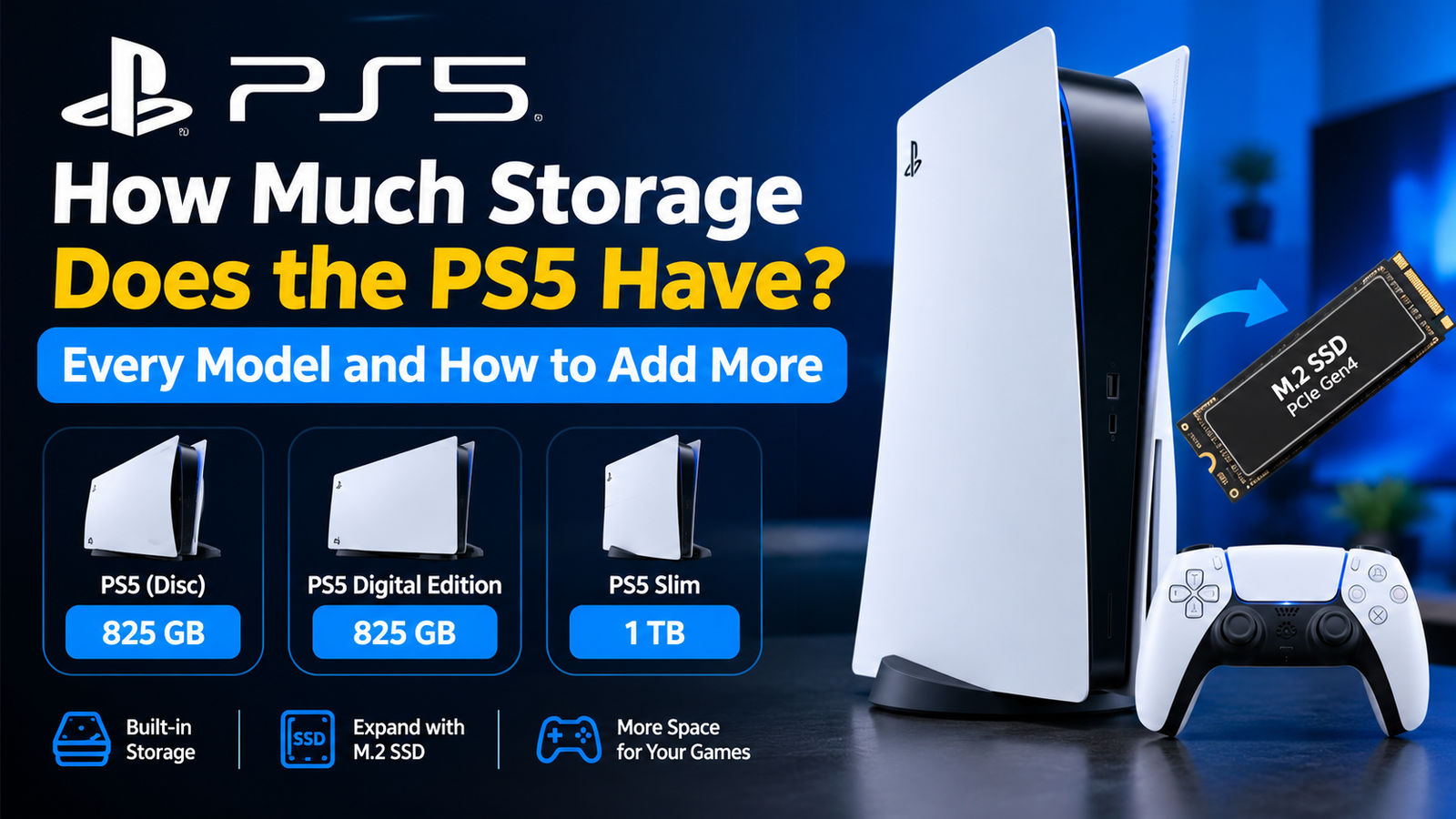
The PS5 has 825GB of storage on the original 2020 model, 1TB on the slimmer model released in late 2023, and 2TB on the PS5 Pro. You cannot use all of it, because the system software takes a share. On the original console, about 667GB is left for games.
Here is the usable space on each version, how many games that really holds, and the three ways to get more room.
How Much Storage Does the PS5 Have on Each Model?
| PS5 model | Advertised storage | Approximate usable space |
|---|---|---|
| Original PS5, disc and Digital Edition (2020) | 825GB | About 667GB |
| PS5 slim model, disc and Digital Edition (2023) | 1TB | About 850GB |
| PS5 Digital Edition, later revision sold in some regions (2025) | 825GB | About 667GB |
| PS5 Pro (2024) | 2TB | About 1.8TB |
One detail catches buyers out. In September 2025 a revised Digital Edition appeared in Europe with its drive cut from 1TB back to 825GB at the same price. Tom’s Hardware reported the change, which applied to the Digital Edition only. If you are buying a Digital Edition, check the storage figure printed on the box.
Why You Do Not Get the Full Amount of PS5 Storage
Two things eat into the headline number. The operating system and its reserved space take up tens of gigabytes. And drive makers count a gigabyte as one billion bytes, while the console measures it slightly differently, so every drive shows less than its label. Neither is a fault. Every console and computer works this way.
How Many Games Fit on a PS5?
Game sizes vary a lot, so think in ranges.
- Smaller and indie games: often under 20GB.
- Typical big-budget games: around 40GB to 80GB.
- The largest shooters and live-service games: 100GB to 150GB or more once updates are installed.
On an original PS5 with roughly 667GB free, that works out to somewhere between 8 and 15 large games. Add a couple of the heavyweight titles and the count drops quickly. A 1TB console gives you room for a few more, and the Pro roughly doubles it. Long role-playing games are a good example of where the space goes, like the one in our guide to the Cyberpunk 2077 endings.
How to Check How Much Storage Is Left on Your PS5
- Open Settings from the home screen.
- Select Storage.
- Select Console Storage to see free space and what is using it, split into games and apps, saved data and media.
From the same screen you can select Games and Apps and delete several titles at once.
How to Add More Storage to a PS5
Option 1: Install an M.2 SSD inside the console
Every PS5 has an empty expansion slot. A compatible M.2 drive works exactly like the built-in storage, so PS5 games install on it and run from it at full speed. Sony’s requirements are:
- A PCIe Gen4 NVMe M.2 SSD.
- Capacity between 250GB and 8TB.
- A read speed of 5,500MB per second or faster is recommended.
- A heatsink, either built in or added, that fits within the slot’s size limits.
Fitting it takes about ten minutes with a screwdriver. This is the best upgrade for most people.
Option 2: Plug in a USB external drive
An external hard drive or SSD connected to a SuperSpeed USB port can be formatted as extended storage. The catch is important: PS5 games can be stored on it but not played from it. You have to move them back to the console or an M.2 drive first. PS4 games can be both stored on and played from a USB drive, which makes this a cheap way to keep your older library off the fast internal storage.
Option 3: Free up space without buying anything
- Delete games you have finished. Your saves stay unless you remove them separately, and you can download the game again.
- Clear old video clips and screenshots from Media Gallery.
- On supported games, remove parts you do not use, such as a finished campaign, through the game’s Manage Game Content option.
- Turn off automatic video capture for trophies in the Captures and Broadcasts settings.
If the console is cluttered beyond rescue, a full wipe is the last resort. See how to factory reset a PS5 before you do, because it erases everything.
Is 825GB or 1TB Enough, or Should You Buy More Storage?
The built-in storage is enough if you play a handful of games at a time and do not mind deleting one to make room for the next.
Add an M.2 SSD if you keep large online games installed permanently, share the console with family, or have a slow internet connection that makes re-downloading painful. A 1TB or 2TB drive is the practical choice for most players.
Frequently Asked Questions About PS5 Storage
Does the PS5 Digital Edition have less storage than the disc version?
Originally they were the same. The 2025 Digital Edition revision sold in some regions has 825GB, while the disc model kept 1TB.
Can I play PS5 games from an external hard drive?
No. PS5 games must be on the console’s internal storage or an M.2 SSD to run. External USB drives can only store them.
What is the biggest SSD a PS5 supports?
The M.2 slot supports drives up to 8TB.
Does deleting a game delete my save data?
No. Saves are kept separately on the console, and in the cloud if you have PlayStation Plus.
1 thought on “How Much Storage Does the PS5 Have? Every Model and How to Add More”
Comments are closed.