
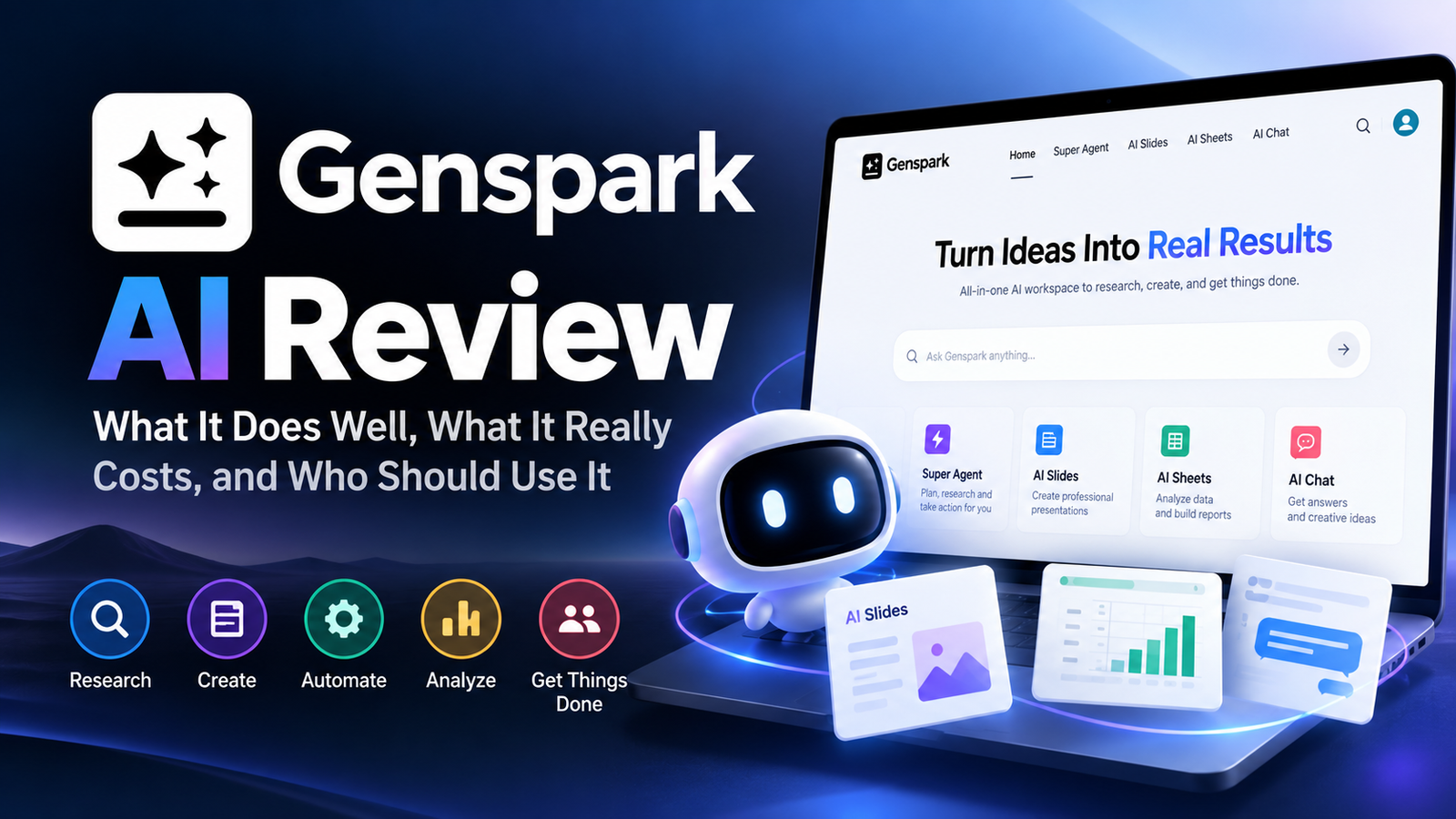
Genspark is an AI workspace that turns one prompt into a finished deliverable, like a slide deck, a spreadsheet, a research report, or even a phone call made on your behalf. It’s strongest at research-heavy, structured work, where it saves hours compared with a regular chatbot. Pricing runs on credits. Chat is cheap to use, but video, deep research, and phone calls can drain a monthly allowance quickly. It’s a real, fast-growing company, not a fly-by-night tool, but its billing model deserves a careful read before you subscribe.
What Is Genspark AI, and Where Did It Come From?
Genspark didn’t start as a workspace. The Palo Alto startup, founded by former Baidu executives, launched in June 2024 as an AI search engine that built custom research pages called Sparkpages. Those still exist, but in April 2025 the company pivoted to what it calls the Super Agent: an assistant that plans a task, picks the right AI models and tools, and delivers the finished result.
The pivot worked. According to OpenAI, which powers parts of the platform, Super Agent reached $36 million in annual recurring revenue within 45 days. Behind the scenes, Genspark coordinates several large language models and dozens of built-in tools, handing each part of a job to whichever one fits best. You can also chat directly with models from OpenAI, Anthropic, Google, and xAI inside the app.
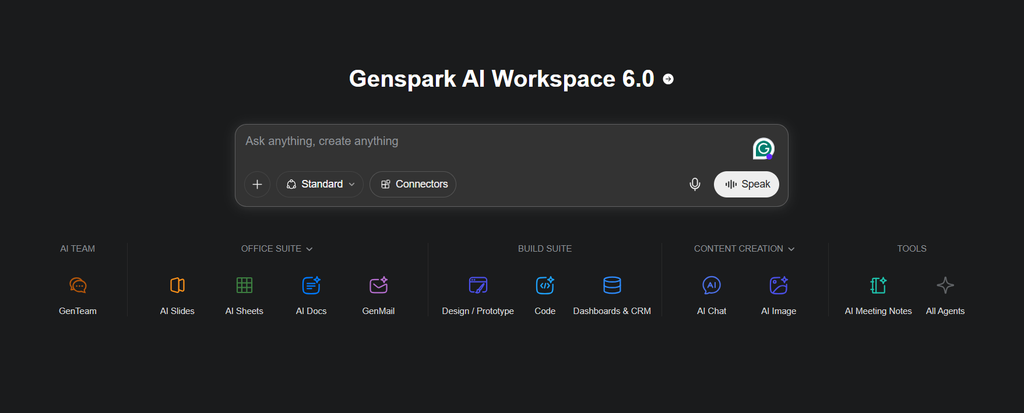
The latest big update, AI Workspace 4.0 in April 2026, pushed Genspark beyond the browser. It added a desktop app that can operate your local files and apps, plugins for PowerPoint, Excel, and Word, plus automatic meeting notes and live translation.
What Can You Actually Hand Off to Genspark?
The easiest way to understand Genspark is by the jobs it takes off your plate. Here are the ones it does best, each with a sample prompt you can try.
Research reports
Genspark searches the web, cross-checks what it finds, and builds a structured page with sources. It’s noticeably faster at producing a usable first draft than asking a chatbot the same question in pieces.
Try: “Compare the three most popular project management tools for a 10-person agency, including pricing, integrations, and common complaints.”
Presentations
AI Slides researches your topic and designs a full deck, which you can then edit or export. Since the 4.0 update, it also works inside PowerPoint itself.
Try: “Create a 10-slide pitch deck for a local coffee roaster seeking wholesale accounts with restaurants.”
Spreadsheets and dashboards
AI Sheets collects data from the web, organizes it into tables, and can build charts. It’s handy for competitor lists, lead research, and quick market sizing.
Try: “Build a spreadsheet of 20 US dental clinics in Austin with website, phone number, and Google rating.”
Phone calls on your behalf
This is Genspark’s most talked-about trick. The agent can call a business to book an appointment or ask a question, then send you a summary. It works best for simple, low-stakes requests, and remember that the person answering is talking to an AI.
Meetings, docs, and desktop tasks
Genspark can transcribe meetings and share notes with attendees, draft documents from templates, and, through its desktop app, handle chores like renaming batches of files or pulling data from a folder of spreadsheets.
Where Does Genspark Fall Short?
No review is complete without the downsides, and Genspark has a few worth knowing before you pay.
Credit burn is the biggest complaint. A subscriber who mostly chats may never use up their monthly credits, while someone leaning on video or phone calls can drain the whole allowance in a single day. Unused credits also don’t roll over.
Mistakes still happen. Genspark’s multi-model setup reduces errors, but independent reviewers still report occasional made-up details. Check any facts, figures, or contact details before using them.
Support and transparency get mixed marks. Several reviews note that it’s hard to predict exactly what a task will cost upfront, and customer support experiences vary.
Doing everything means mastering little. For pure writing or coding, a dedicated assistant like ChatGPT or Claude often gives you more control. If you’re comparing Genspark with other AI assistants, see our guide to the best AI assistants in 2026.
Is Genspark Free? What Do the Paid Plans Cost?
Yes, there’s a free plan, and it requires no credit card. Here’s how the plans compare as of September 2026:
| Plan | Price | What you get |
| Free | $0 | 100 credits per day, basic access to agents |
| Plus | From $24.99/mo ($19.99/mo billed annually) | 10,000 credits per month, all agents, extra storage |
| Pro | From $249.99/mo ($199.99/mo billed annually) | 125,000 credits per month, 1 TB storage |
| Team / Enterprise | Per seat, through sales | Shared billing, admin controls |
Two details matter more than the sticker price. First, on paid plans, AI chat and image generation currently cost zero credits, but that perk is only guaranteed through December 31, 2026. Second, “unlimited” chat still has a fair-use limit that can pause heavy users for a few hours.
For most individuals, Plus is the sensible starting point. Pro only makes sense if you produce video or run large volumes of agent tasks every month.
Is Genspark Legit and Safe to Use?
Genspark is a legitimate, well-funded company. It raised a $275 million Series B in November 2025 at a $1.25 billion valuation, and Axios reported a $100 million extension in June 2026 that valued the company at $2.6 billion. Industry estimates put its annualized revenue around $250 million by early 2026, with roughly 2 million monthly users.
Safety is a separate question from legitimacy. Like any AI platform, Genspark sends your prompts to third-party model providers. Read its privacy policy before uploading client files or personal data, and consider a business plan if you handle sensitive information.
Genspark or a Regular AI Chatbot?
| Choose Genspark if you… | Stick with ChatGPT, Claude, or Gemini if you… |
| Want finished decks, sheets, or reports from one prompt | Mainly write, brainstorm, or code |
| Do a lot of web research and need sources | Want predictable flat-rate pricing |
| Like the idea of an AI making calls or handling desktop chores | Need deep integration with one ecosystem, like Google Workspace |
| Want access to several AI models in one place | Only use AI occasionally |
If you like the all-in-one idea but only need one piece of it, there are simpler options. Gamma is a cheaper, focused choice for slide decks, and Microsoft Copilot covers much of the same ground inside Office if you already pay for Microsoft 365.
Who Should Use Genspark?
Marketers, consultants, and creators get the most value, because their work is full of research-heavy deliverables like decks, briefs, and competitor sheets. Small business owners will appreciate the phone-call agent and quick market research. Students can do a lot on the free plan but should double-check every source. Developers and heavy writers are usually better served by a dedicated tool.
Getting Started Without Wasting Credits
- Start on the free plan and run two or three tasks from your real work before paying.
- Write specific prompts. Name the audience, length, and format you want, so the agent doesn’t redo the job.
- Save heavy tasks for when they matter. Video and phone calls cost the most, so test them on the free credits first.
- Choose monthly billing at first. Annual billing saves about 20%, but only commit once you know your usage.