
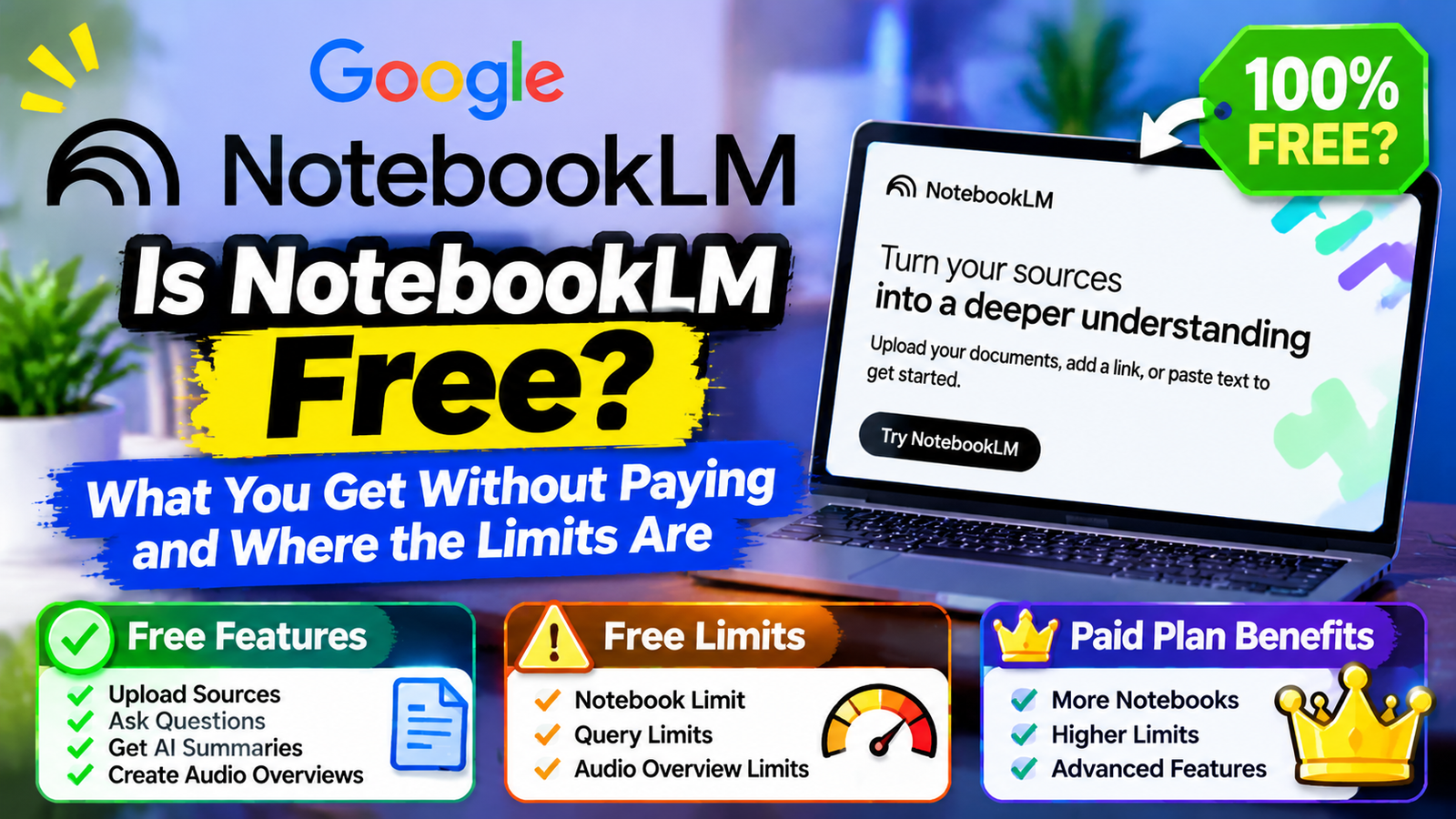
Yes, NotebookLM is free. Anyone with a personal Google account can use it without paying, and the free plan allows up to 100 notebooks with 50 sources in each one, plus a daily allowance of chat questions and Audio Overviews. You only need a paid plan if you run into those caps.
One change to know about first: in July 2026 Google renamed NotebookLM to Gemini Notebook. It is the same product, and most people still search for it by the old name, so this guide uses both.
What the Free Version of NotebookLM Includes
The free tier is not a trial and does not expire. You get the core product:
- Upload your own sources: PDFs, Google Docs and Slides, pasted text, web pages, YouTube videos and audio files.
- Ask questions and get cited answers. Every answer points back to the passage in your sources that it came from.
- Audio Overviews. Two AI hosts discuss your material in a podcast-style recording.
- Video Overviews and study tools such as mind maps, flashcards, quizzes and reports.
- Sharing a notebook with other people.
Is NotebookLM Free Forever? The Free Plan Limits in Numbers
| Limit | Free (Standard) | Plus | Pro |
|---|---|---|---|
| Notebooks | 100 | 200 | 500 |
| Sources per notebook | 50 | 100 | 300 |
| Chat questions per day | About 50 | About 200 | About 500 |
| Audio Overviews per day | About 3 | About 6 | About 20 |
The notebook and source numbers come from Google’s own plan comparison. The daily chat and audio figures are the commonly reported allowances and should be treated as approximate, because in September 2026 Google began shifting to usage-based limits that refill every few hours up to a weekly cap. A long, complex request now uses more of your allowance than a short one.
Each source can hold up to roughly 500,000 words, which is far more than most documents. That ties into how much text an AI model can work with at once, something we explain in what a context window is and why it runs out.
What You Get If You Pay for NotebookLM
There is no separate NotebookLM subscription. Higher limits come bundled with Google’s AI plans:
- Google AI Plus raises the limits to the Plus column above.
- Google AI Pro raises them again and removes the watermark from generated videos and images.
- Google AI Ultra has the highest limits, with up to 500 or 600 sources per notebook depending on the tier.
- Google Workspace and Workspace for Education accounts get upgraded access through their organization’s license.
Plan prices differ by country and change fairly often, so check Google’s plan page for the current figure before subscribing. Those plans also include extra Gemini features and cloud storage, which matters when you weigh up the cost.
Who Can Stay on Free NotebookLM and Who Should Upgrade
The free plan is enough if you are a student working through course readings, you research one topic at a time, or you make an occasional Audio Overview to listen to on a walk.
An upgrade makes sense if you regularly hit the daily chat or audio cap, need more than 50 sources in a single notebook, such as a thesis or a large client project, or want to share notebooks with a team and see usage analytics.
A sensible approach is to use the free plan until it stops you. The limits are generous enough that many people never reach them.
Is Your Data Used to Train AI on the Free NotebookLM Plan?
Google states that the sources you upload and the questions you ask in NotebookLM are not used to train its AI models. There is one thing to be aware of: if you choose to send feedback on an answer, human reviewers may see what you submitted. Work and school accounts are covered by their organization’s Workspace terms.
As with any cloud tool, avoid uploading documents you are not allowed to share, such as confidential client files, unless your workplace has approved it.
How to Start Using NotebookLM for Free
- Go to the Gemini Notebook site. The old notebooklm.google address still takes you there.
- Sign in with your Google account.
- Click to create a new notebook.
- Add sources by uploading files, pasting links or choosing documents from Google Drive.
- Ask a question in the chat box, or generate an Audio Overview from the studio panel.
There are also mobile apps for Android and iPhone, which use the same account and the same limits.
Common Questions About NotebookLM Pricing and Limits
Is NotebookLM free for students?
Yes. Any student can use the free plan with a personal Google account. Some schools also provide upgraded access through Google Workspace for Education.
Do I need a Gemini subscription to use NotebookLM?
No. The free plan works on its own. A Google AI subscription only raises the limits.
What happens when I reach the free limit?
You have to wait for your allowance to refill before asking more questions or generating more overviews. Your notebooks and sources stay where they are.
Is NotebookLM the same as Gemini?
Not quite. It runs on Gemini models, but it answers from the sources you give it, not from the open web. That focus is why it is popular for studying and research. For a broader comparison of chat assistants, see the best AI assistants in 2026.