
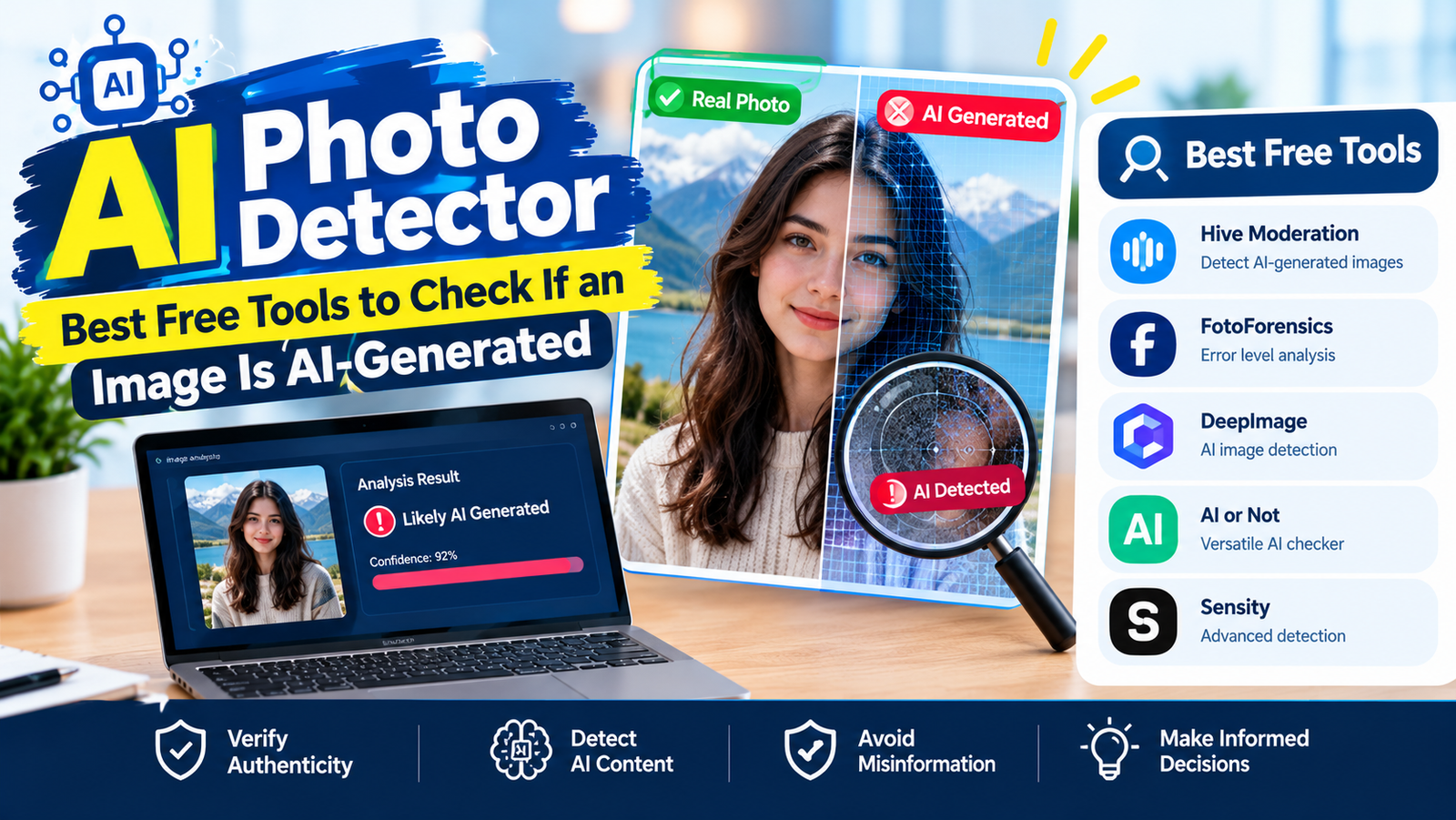
An AI photo detector is a tool that analyzes an image and estimates whether it was created or edited by artificial intelligence. The most useful free options right now are Hive, AI or Not, Illuminarty, Google’s SynthID check inside the Gemini app, and Content Credentials Verify. None of them is 100% reliable, so the smartest approach is to combine a detector with a few quick manual checks.
This guide explains how these detectors work, where each one is strong or weak, and the simple routine you can use to judge a suspicious photo in under two minutes.
How AI Photo Detectors Actually Work
There are three different methods, and knowing which one a tool uses tells you how much to trust its answer.
- Pattern classifiers are trained on millions of real and AI images. They look for statistical fingerprints that generators leave behind and return a confidence score, such as “92% likely AI.”
- Watermark checks look for an invisible signal embedded by the generator itself. Google’s SynthID is the best-known example. If the watermark is found, the answer is very strong, but it only works for images from participating tools.
- Provenance metadata reads Content Credentials (the C2PA standard), a tamper-evident record of which app created or edited a file. It gives a factual history instead of a guess, but the data disappears if someone strips the metadata or takes a screenshot.
Best AI Photo Detector Tools Compared
| Tool | Method | Free option | Good to know |
|---|---|---|---|
| Hive Moderation | Classifier | Limited free checks | Shows a confidence score and often names the likely generator |
| AI or Not | Classifier | Basic free tier, no account needed | Also checks video and audio; handy for quick one-off checks |
| Illuminarty | Classifier + heatmap | A few scans per day | Highlights which parts of the image look AI-made, useful for partly edited photos |
| Gemini app (SynthID) | Watermark | Free | Tells you if an image was made or edited with Google AI |
| Content Credentials Verify | C2PA metadata | Free | Shows creation and edit history when the file carries credentials |
| Forensically | Manual forensic tools | Free, no limits | Error level and clone detection; you interpret the results yourself |
| SightEngine | Classifier | Paid plans | Built for businesses moderating images at scale |
Independent reviews, such as fast.io’s 2026 roundup, report accuracy in roughly the high 80s to mid 90s percent for the leading classifiers on clean test images, with results varying by generator. Treat any single score as a strong hint, not proof.
How to Check a Photo With Google’s SynthID in Gemini
If you suspect an image came from a Google tool, this is the quickest definitive check:
- Open the Gemini app or gemini.google.com.
- Upload the image.
- Ask something like “Was this image created with Google AI?”
- Gemini checks for the SynthID watermark and tells you what it finds.
Google explains the feature and its limits on its SynthID verification help page. A “no watermark found” result does not mean the image is real; it only means it was not made by a Google tool that adds SynthID.
Why AI Photo Detectors Get It Wrong
- Compression and screenshots. Images passed through WhatsApp, Instagram or screenshots lose detail, and classifiers become much less reliable.
- Upscaling and filters. Real photos run through heavy AI enhancement can be flagged as fake.
- Open-source generators. Many locally run models add no watermark and no credentials.
- Missing metadata proves nothing. Most social platforms strip metadata from every upload, real or not.
The same problem exists with text detectors. Our article on how AI is detected in writing explains why false positives happen there too.
How to Spot an AI Image Yourself: A 2-Minute Checklist
- Zoom into hands, teeth, ears and jewelry. Extra fingers are rarer now, but merged rings, odd earrings and uneven teeth still show up.
- Read any text. Signs, labels and shirts often contain warped or meaningless lettering.
- Check light and shadows. Shadows pointing in different directions or reflections that do not match the scene are classic giveaways.
- Look at the background. AI often blurs or melts background people, railings, windows and patterns.
- Run a reverse image search. Google Lens or TinEye can show where the image first appeared and whether a news outlet has covered it.
- Consider the source. A dramatic image from a brand-new account with no original reporting deserves extra doubt.
Which AI Photo Detector Should You Use?
- Quick check on your phone: AI or Not or Hive’s free web tool.
- Suspect a Google-made image: the Gemini app’s SynthID check.
- Partly edited photo: Illuminarty’s heatmap.
- Original file from a camera or Adobe app: Content Credentials Verify.
- Serious verification (journalism, legal): combine two detectors, provenance checks and reverse search, and document each step.
Curious how generators produce these images in the first place? Our beginner explainer on how AI works covers the basics.
AI Photo Detector FAQ
Is there a free AI photo detector?
Yes. AI or Not, Illuminarty, Hive’s limited free checks, Content Credentials Verify and the SynthID check in the Gemini app can all be used for free.
How accurate are AI image detectors?
The best classifiers score well on clean test images, but accuracy drops on compressed, screenshotted or heavily edited photos. Use more than one method.
Can AI detectors tell which tool made an image?
Some can. Hive often names the likely generator, and SynthID confirms Google-made images specifically.
Can a real photo be flagged as AI?
Yes. Heavy filters, beauty modes and AI upscaling can make genuine photos look synthetic to a classifier.
Does removing metadata hide AI images?
It removes Content Credentials, but pixel-based classifiers and robust watermarks like SynthID can still detect many AI images.