
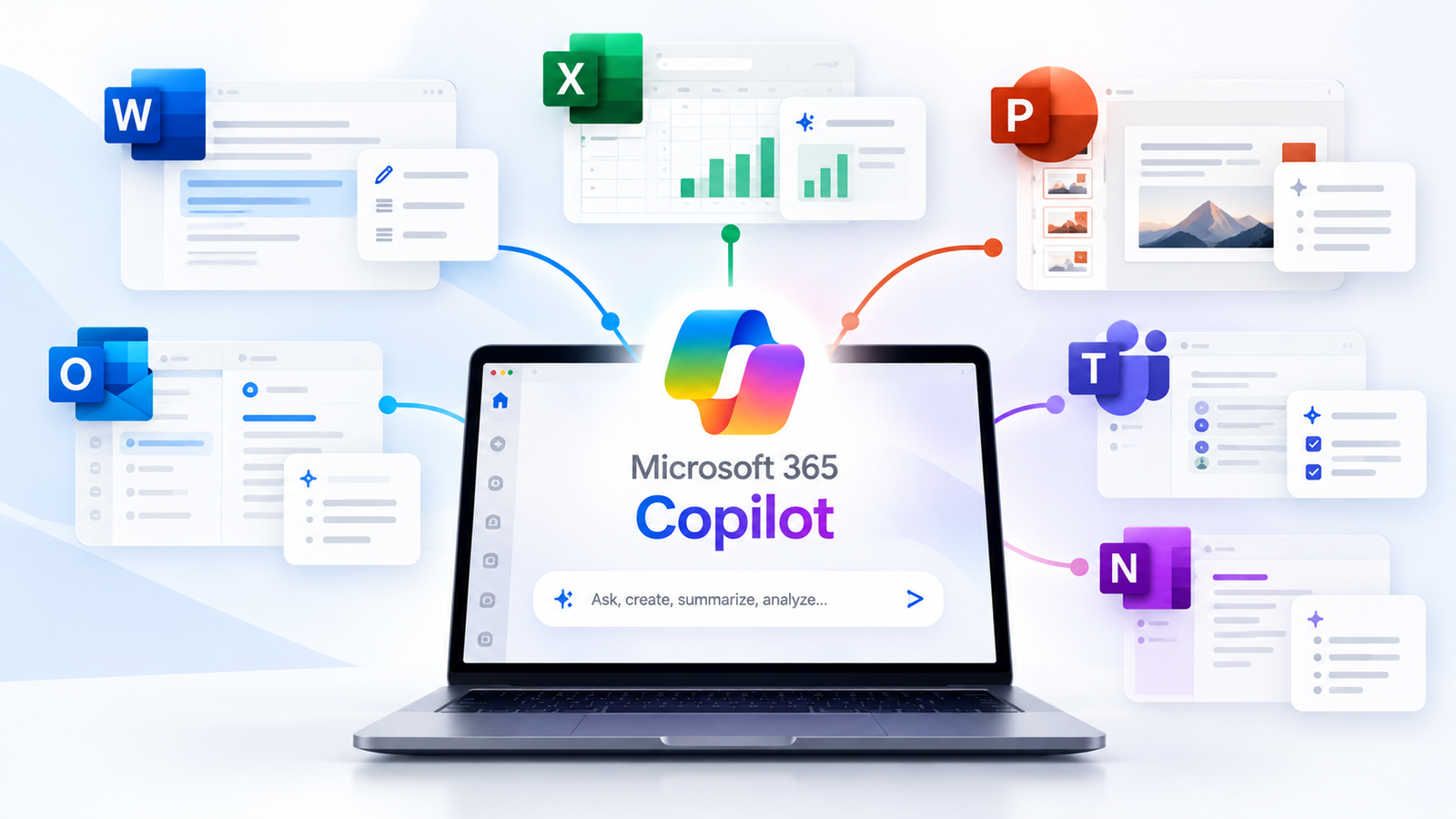
Microsoft 365 Copilot is a paid AI assistant built into Word, Excel, PowerPoint, Outlook and Teams that can read your work emails, files, chats and meetings, and use them to draft, summarize and answer questions. It is sold to organizations as an add-on to a Microsoft 365 subscription and is not the same thing as the free Copilot chatbot.
That last part trips up almost everyone, because Microsoft uses the Copilot name for several different products. So before features and prices, here is how to tell them apart.
Microsoft 365 Copilot vs the Other Copilots: Which One Is Which
| Product | Who it is for | Typical cost | Can it use your work data? |
|---|---|---|---|
| Microsoft Copilot (free) | Anyone | Free | No |
| Microsoft 365 Copilot Chat | People with a work or school account | Included with eligible Microsoft 365 plans | No, it answers from the web and files you share with it |
| Microsoft 365 Copilot | Larger organizations | About $30 per user a month, billed annually | Yes |
| Microsoft 365 Copilot Business | Businesses with fewer than 300 users | $21 per user a month, discounted to $18 through December 2026 | Yes |
| Microsoft 365 Premium | Individuals | About $19.99 a month | No, it works with your personal files |
Prices are US list prices at the time of writing in October 2026 and sit on top of the Microsoft 365 plan you already pay for. Check Microsoft’s Copilot pricing page for current numbers in your region. Copilot Pro, the older plan for individuals, has been retired and replaced by Microsoft 365 Premium.
What Is Microsoft 365 Copilot Able to Do Inside Each App?
- Word: writes a first draft from a prompt or an existing file, rewrites sections in a different tone, and summarizes long documents.
- Excel: explains what a formula does, suggests new formulas, highlights trends and builds charts from your data.
- PowerPoint: turns a Word document or an outline into a slide deck and tidies up existing slides.
- Outlook: summarizes long email threads and drafts replies in your chosen length and tone.
- Teams: recaps meetings, lists decisions and action items, and tells you what you missed if you joined late.
- Copilot Chat in work mode: answers questions such as “what did we agree with the supplier last month?” by searching across your emails, files and chats.
It also comes with ready-made agents. Researcher pulls together multi-step research from work and web sources, and Analyst works through data questions. Companies can build their own agents in Copilot Studio.
How Microsoft 365 Copilot Finds Answers in Your Work Data
When you ask a question, Copilot does not send it straight to an AI model. It first looks up relevant content through Microsoft Graph, the service that connects your emails, calendar, files, chats and meetings. It then passes your question plus that context to a large language model and returns the answer inside the app you are using. Microsoft calls this step grounding.
Two things follow from that design:
- Copilot only sees what you can already see. It follows your existing permissions. If a file is overshared in SharePoint, though, Copilot will happily surface it, which is why IT teams usually clean up permissions before a rollout.
- Your data stays inside your Microsoft 365 tenant. Microsoft states that prompts, responses and data accessed through Microsoft Graph are not used to train its foundation models. The details are in Microsoft’s data, privacy and security documentation.
The models behind it come mainly from OpenAI, with Anthropic’s Claude models available in some features. If the idea of a language model is new to you, our guide to how AI chatbots generate text covers the basics.
How Much Microsoft 365 Copilot Costs and What You Need First
Microsoft 365 Copilot is an add-on. You need a qualifying Microsoft 365 or Office 365 plan first, then you pay per user on top of it.
- Enterprise: about $30 per user a month with an annual commitment.
- Small and mid-sized businesses: Microsoft 365 Copilot Business at $21 per user a month, currently $18 with an annual commitment through December 2026. It needs an eligible Business plan and is limited to organizations with fewer than 300 users.
- Bundles: Microsoft also sells Business Standard and Business Premium plans with Copilot included.
For a team of 20 on the Business offer, that is roughly $360 to $420 a month before the base plan. It adds up quickly, so it makes sense to license the people who will use it daily first.
Who Actually Benefits From Microsoft 365 Copilot and Who Can Skip It
It tends to pay off for people who live in email, meetings and documents: managers, sales and account teams, project leads, analysts, and anyone who writes a lot of reports.
It is harder to justify for staff who rarely open Office apps, very small teams with little shared data, or organizations whose files are scattered across tools outside Microsoft 365.
A sensible route is to start with Copilot Chat, which is already included with eligible plans, see how often people use it, and then buy full licenses for the heaviest users. If you are comparing it with other assistants, our roundup of the best AI assistants in 2026 may help. And if Copilot stops responding one day, here is how to check whether Copilot is down.
Frequently Asked Questions About Microsoft 365 Copilot
Is Microsoft 365 Copilot free?
No. Microsoft 365 Copilot Chat is included with eligible work and school plans, but the full Microsoft 365 Copilot that works with your company data is a paid add-on.
Is Microsoft 365 Copilot the same as ChatGPT?
No. It uses similar underlying AI models, but it is connected to your work data and built into Microsoft’s apps. ChatGPT is a separate product from OpenAI.
Can I use Microsoft 365 Copilot with a personal Microsoft account?
Not the business version. Individuals get Copilot features in Word, Excel, PowerPoint and Outlook through Microsoft 365 Premium instead.
Does Microsoft 365 Copilot make mistakes?
Yes. Like any AI assistant it can misread a document or state something incorrect with confidence. Treat its output as a draft and check figures, names and dates before you send anything.
2 thoughts on “What Is Microsoft 365 Copilot and What Can It Actually Do?”
Comments are closed.