
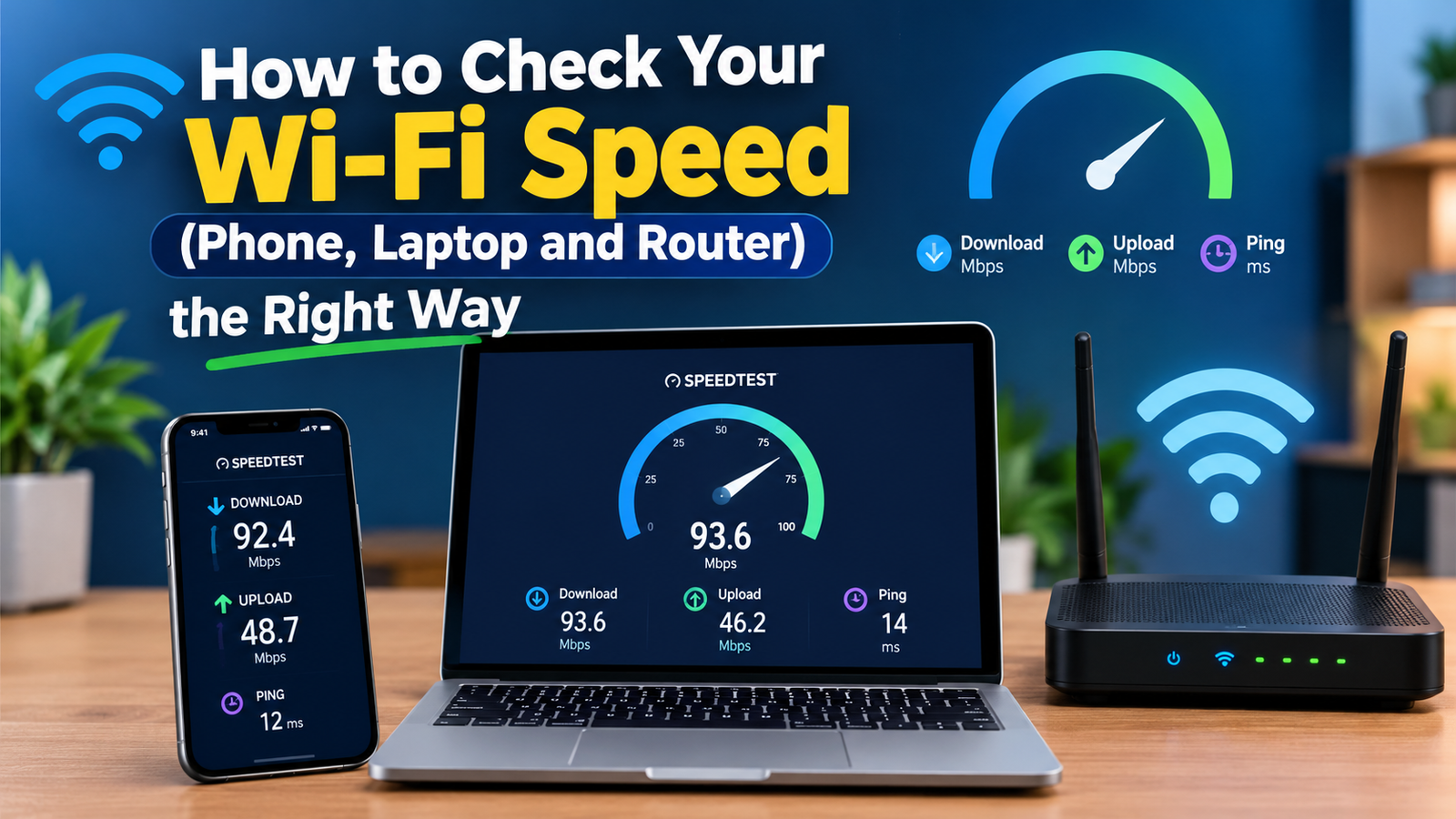
To check your Wi-Fi speed, connect to your Wi-Fi network and run a free speed test such as Speedtest by Ookla, Fast.com or Cloudflare’s speed test in your browser. In about 30 seconds it shows your download speed, upload speed and ping. For an accurate result, test close to the router, pause other downloads, and run the test two or three times.
A single number does not tell the whole story, though. Below you will learn how to test properly on each device, how to read the results, and how to tell whether the problem is your Wi-Fi or your internet plan.
The Best Free Wi-Fi Speed Test Tools
| Tool | Where to use it | What it shows |
|---|---|---|
| Speedtest by Ookla | Web, Windows, Mac, iPhone, Android | Download, upload, ping, jitter, server choice |
| Fast.com (by Netflix) | Web, mobile apps | Download first, then upload and latency |
| Cloudflare Speed Test | Web | Detailed download, upload, latency and jitter charts |
| Google search “speed test” | Any browser | Quick test run with Measurement Lab |
How to Check Wi-Fi Speed Accurately: 6 Rules
- Test in the same room as the router first, then in the rooms where you have problems.
- Pause downloads, streaming and cloud backups on other devices.
- Turn off your VPN, which can lower speeds and route you through distant servers.
- Use the 5 GHz or 6 GHz band if your router offers it; 2.4 GHz is slower but reaches further.
- Run the test three times and take the average.
- Compare with a wired test. Plug a laptop into the router with an Ethernet cable and test again. If wired is much faster, your Wi-Fi is the bottleneck, not your internet plan.
How to Check Wi-Fi Speed on Each Device
Windows 11
Run a browser test, or install the Speedtest app. To see your connection’s link speed to the router, go to Settings > Network & internet > Wi-Fi, click Hardware properties and look at Link speed (Receive/Transmit). Link speed is the maximum rate between your PC and router, not your actual internet speed.
Mac
Hold the Option key and click the Wi-Fi icon in the menu bar to see the Tx Rate (link speed). For a real test without a browser, open Terminal and type networkQuality, a built-in tool that measures download and upload capacity.
iPhone and iPad
Use the Speedtest or Fast.com app, or a browser test. Stay on Wi-Fi and turn off Low Data Mode for the test.
Android
Open Settings > Network & internet > Internet (or Wi-Fi), tap your network, and look for Link speed on many phones. Then run a speed test app for real-world speed.
From your router
Many router apps (eero, Google Home, Netgear Orbi, TP-Link Deco and others) include a built-in speed test that measures the connection coming into your home, which is useful for checking whether your provider delivers what you pay for.
How to Read Your Speed Test Results
- Download (Mbps): how fast data reaches you. Matters for streaming, browsing and downloads.
- Upload (Mbps): how fast you send data. Matters for video calls, uploading files and live streaming.
- Ping or latency (ms): the delay for a signal to travel to a server and back. Lower is better; under 30 ms feels very responsive for gaming.
- Jitter (ms): how much ping varies. High jitter causes choppy calls and lag spikes.
What Is a Good Wi-Fi Speed?
In the US, the FCC’s benchmark for broadband is 100 Mbps download and 20 Mbps upload. As a rough guide:
| Activity | Comfortable download speed |
|---|---|
| Email and browsing | 5-10 Mbps |
| HD streaming | About 5-10 Mbps per stream |
| 4K streaming | About 25 Mbps per stream |
| Video calls | 5-10 Mbps down, 3+ Mbps up |
| Busy household with several users | 100+ Mbps |
Wi-Fi Slower Than Expected? Try These Fixes
- Restart the router and modem.
- Move the router to a central, open, raised spot away from walls and microwaves.
- Switch to a less crowded Wi-Fi channel, especially in apartments.
- Update the router’s firmware.
- Add a mesh system or access point for large homes.
- If wired speed is also slow, contact your internet provider.
If your speed drops only when a VPN is on, the protocol matters. Our comparison of WireGuard vs OpenVPN speed explains which is faster, and our guide to why a VPN keeps disconnecting helps with unstable connections.
Wi-Fi Speed Test FAQ
How do I check my Wi-Fi speed for free?
Open speedtest.net, fast.com or speed.cloudflare.com on a device connected to your Wi-Fi and start the test. All three are free.
Why is my Wi-Fi speed lower than my plan?
Wi-Fi loses speed through walls, distance and interference. Plans are usually measured on a wired connection, so test with Ethernet to compare fairly.
Is 100 Mbps fast enough?
For most households, yes. 100 Mbps handles several HD or 4K streams, video calls and gaming at the same time.
What is the difference between link speed and internet speed?
Link speed is the connection between your device and router. Internet speed is how fast data travels between your home and the wider internet. A speed test measures the second.