
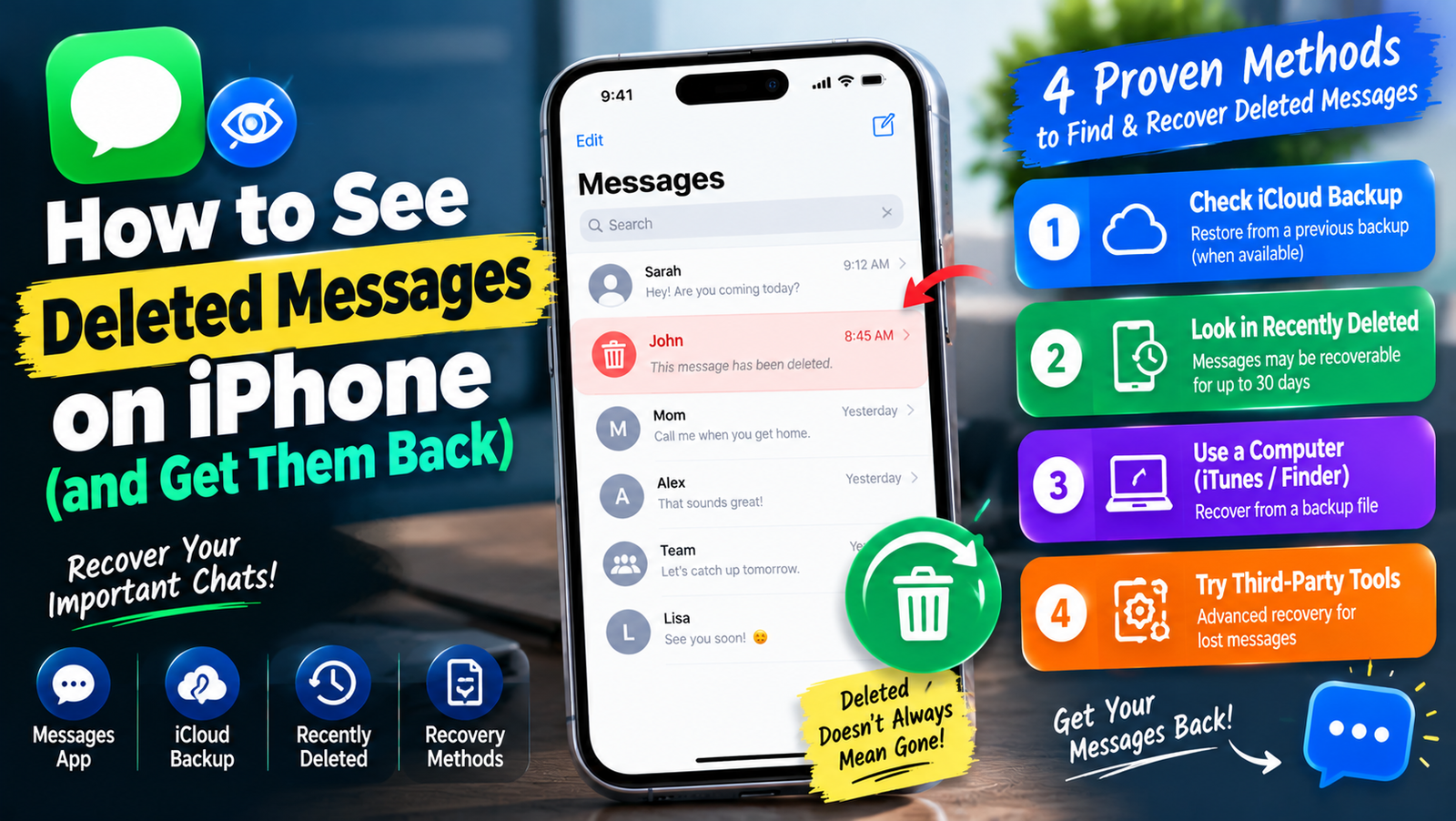
To see deleted messages on an iPhone, open the Messages app, tap Filters or Edit at the top of the conversation list (the label depends on your iOS version), then tap Show Recently Deleted. Messages you deleted in the last 30 days appear there, and you can select them and tap Recover. This works on iOS 16 and later.
If the messages are older than that or the folder is empty, you still have a few options. They are listed below from the quickest to the most involved.
Method 1: Recover Messages From Recently Deleted
- Open Messages.
- Tap Filters (or Edit on older versions) in the top corner.
- Tap Show Recently Deleted. If you have no deleted messages, this option does not appear.
- Select the conversations you want back.
- Tap Recover, then confirm.
The conversation returns to your main list. Apple says deleted messages stay in this folder for up to 30 days before they are erased for good, as covered in its iPhone User Guide.
Method 2: Check Another Apple Device Signed In to the Same Account
If Messages in iCloud is off, each device keeps its own copy. A message deleted on your iPhone may still be on your iPad or Mac. Open Messages on that device and look for the conversation. Our guide on how to sync messages from iPhone to Mac explains how syncing affects this.
If Messages in iCloud is on, deletions sync to every device, so this method will not help.
Method 3: Restore From an iCloud Backup
This only works if Messages in iCloud was turned off and you have a backup made before the messages were deleted. Restoring replaces everything on the phone with the backup, so anything newer is lost unless it is saved elsewhere.
- Check the backup date: Settings, tap your name, iCloud, then iCloud Backup.
- Back up anything new you want to keep.
- Go to Settings, then General, then Transfer or Reset iPhone, then Erase All Content and Settings.
- During setup, choose Restore from iCloud Backup and pick a backup from before the deletion.
Method 4: Restore From a Computer Backup
If you back up to a Mac with Finder, or to a Windows PC with the Apple Devices app or iTunes, connect the iPhone, select it, and choose Restore Backup. Pick a backup from before the messages were deleted. The same warning applies: newer data is replaced.
Method 5: Ask the Other Person or Your Carrier
The person you were chatting with still has their copy unless they deleted it too. Ask them for screenshots. Carriers in the US and UK generally keep logs of when texts were sent, but rarely the content, and only release records through formal requests.
Which Method Fits Your Situation?
| Situation | Try this |
|---|---|
| Deleted in the last 30 days | Recently Deleted |
| Messages in iCloud off, own a Mac or iPad | Check the other device |
| Older than 30 days, backup exists | iCloud or computer backup |
| No backup at all | Ask the other person |
Can You See Deleted Messages Without a Backup?
Once a message leaves Recently Deleted and there is no backup, it cannot be recovered through normal means. Be wary of paid “recovery” apps that promise otherwise. Many only read existing backups, which you can restore yourself for free.
Seeing Messages That Were Unsent or Edited
On iOS 16 and later, a sender can unsend an iMessage within two minutes or edit it within 15 minutes. Unsent messages disappear for both people, and only the edit history of edited messages is visible by tapping Edited. These cannot be recovered from Recently Deleted.
How to Avoid Losing Messages Again
- Set messages to keep forever: Settings, then Apps, then Messages, then Keep Messages, then Forever.
- Turn on iCloud Backup, or Messages in iCloud if you want them on all devices.
- Screenshot or export anything important.
Apps you removed by mistake can be found in a similar way. See how to see recently deleted apps on iPhone.
Frequently Asked Questions
Why don’t I see Recently Deleted in Messages?
Either you have no recently deleted messages, or your iPhone is running iOS 15 or earlier. Update iOS for the feature.
Can someone see messages I deleted?
The other person keeps their copy unless they delete it. Deleting only removes the message from your own devices.
Do deleted iMessages stay in iCloud?
With Messages in iCloud on, deletions sync and the message goes to Recently Deleted for up to 30 days, then it is removed everywhere.