
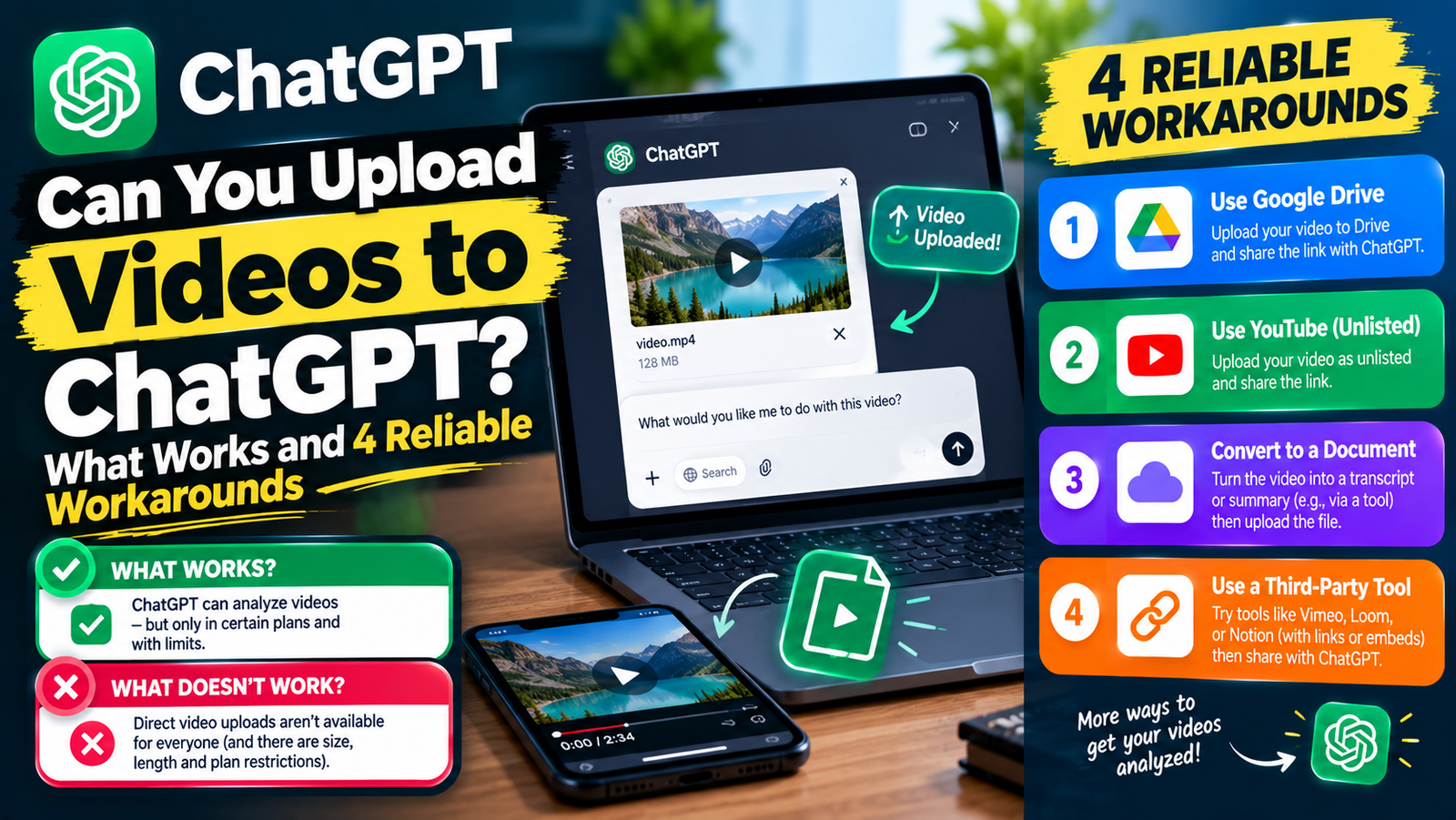
Not in the way most people expect. As of late 2026, ChatGPT does not watch an uploaded video file in a normal chat the way it reads an image or a PDF. Users are still asking OpenAI for native video upload in its developer community. You can still get ChatGPT to work with a video by giving it a transcript, key frames as images, or by showing it live through the camera in voice mode.
Here is exactly what works today, and the fastest workaround for each goal.
What Happens When You Try to Upload a Video to ChatGPT
- In a normal chat: the attachment button is built for images, documents, spreadsheets and some audio. A video file is often rejected, or ChatGPT cannot see its contents.
- With the code and data analysis tool: on some plans, ChatGPT can accept an MP4 as a file and use Python to extract still frames or audio. That works for short clips but is slow and not designed for watching full videos.
- In voice mode with video: on the mobile app you can turn on the camera or share your screen, and ChatGPT reacts to what it sees in real time. It does not save or replay a file.
Features roll out unevenly by plan and region, so check OpenAI’s help center if your app shows different options.
Workaround 1: Give ChatGPT the Transcript (Best for Summaries)
Most questions about a video are really about what people say in it. A transcript works far better than raw video.
- For a YouTube video, open the description, click Show transcript, and copy the text.
- For your own file, generate a transcript with a transcription tool, or upload the audio track where ChatGPT supports audio files.
- Paste or upload the transcript and ask: “Summarise this in 5 key points with timestamps.”
Very long transcripts can exceed the model’s limits. Our explainer on AI tokens explains why, and how to split long text into parts.
Workaround 2: Upload Screenshots or Key Frames (Best for Visual Questions)
ChatGPT is very good at reading images. To ask about what appears on screen, such as an error message, a game moment or a product detail:
- Pause the video at the important moments.
- Take screenshots, ideally 3 to 10 of them.
- Upload them together and describe the order they come in.
Workaround 3: Use Live Video in Voice Mode (Best for Real-Time Help)
Open the ChatGPT app, start voice mode and tap the camera or screen-share button. Point your phone at the object, or share the screen playing the video, and ask questions out loud. This is useful for fixing something in front of you, but it is not suited to analysing a long recording.
Workaround 4: Share a Link With Web Search On
For public videos, paste the link and ask ChatGPT to search for information about it. It can often find the video page, description and articles about it. It will not watch the video itself, so treat the answer as background rather than a scene-by-scene summary.
Which Method Should You Use?
| Your goal | Best method |
|---|---|
| Summarise a lecture, podcast or meeting | Transcript |
| Understand what is shown on screen | Screenshots or key frames |
| Get help with something in front of you | Live camera in voice mode |
| Learn what a public video is about | Link plus web search |
| Make a new video | ChatGPT’s video generation on paid plans |
Why Your Video Upload Fails
- The file type is not supported for chat attachments.
- The file is too large. Trim or compress the clip.
- You have reached your plan’s upload limit for the day.
- A temporary service issue. See why ChatGPT is not working for checks.
Other AI Tools That Handle Video Better
If you regularly need to analyse full video files, Google’s Gemini accepts video uploads and YouTube links directly in many regions. See Gemini pricing for which plans include it, and NotebookLM can also work with YouTube links as sources, covered in is NotebookLM free.
Frequently Asked Questions
Can ChatGPT watch YouTube videos?
No, not directly. It can read a transcript you paste in, or search the web for information about the video.
Can I upload an MP4 to ChatGPT?
Sometimes as a file for the data analysis tool, which can extract frames or audio from short clips. It will not watch it like a person would.
Can ChatGPT make videos?
Yes. Paid plans include OpenAI’s video generation, which creates new clips from text or images. That is separate from analysing a video you upload.