
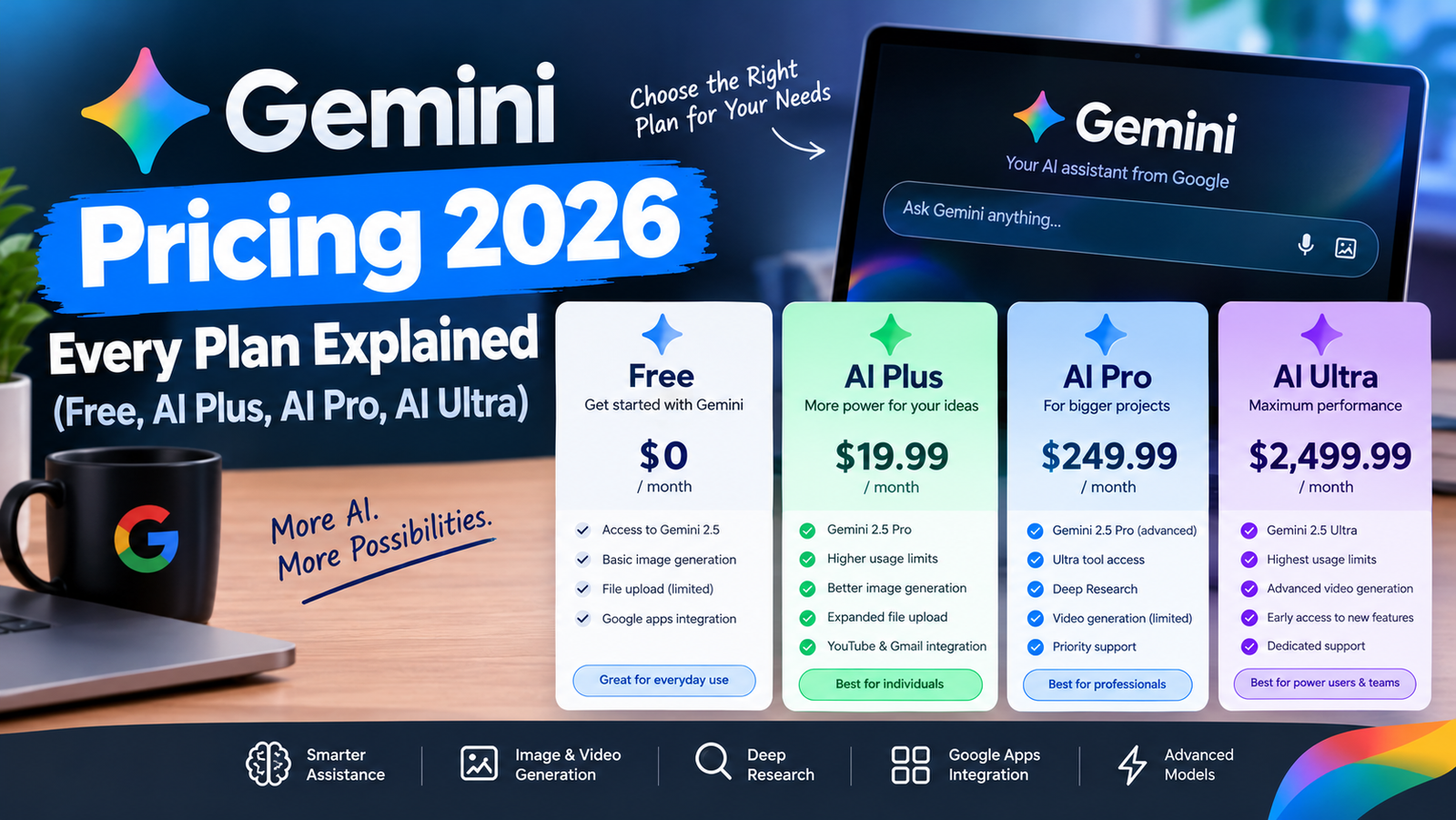
Gemini pricing in 2026 starts at $0: the Free plan costs nothing, Google AI Plus is $4.99 per month, Google AI Pro is $19.99 per month, and Google AI Ultra starts at $99.99 per month (with a higher $199.99 tier). Each paid plan also bundles Google One storage, so you are paying for more than just the chatbot.
That is the short answer. The longer one matters, because the plans differ a lot in model access, usage limits, video tools and storage. Below is a plain breakdown of what you actually get at each price, who each plan suits, and how the business and developer options fit in.
Gemini Pricing at a Glance: All Consumer Plans Compared
These are the US prices listed on Google’s official Gemini subscriptions page at the time of writing. Prices outside the US vary by country and may include local tax.
| Plan | Monthly price (US) | Storage | Usage vs Free | Best for |
|---|---|---|---|---|
| Free | $0 | 15 GB | Baseline | Casual questions, trying Gemini |
| Google AI Plus | $4.99 | 400 GB | About 2x | Light daily use plus extra storage |
| Google AI Pro | $19.99 | 5 TB | About 4x | Students, writers, professionals |
| Google AI Ultra | From $99.99 ($199.99 top tier) | From 20 TB | 5x to 20x Pro | Heavy users, creators, developers |
What the Free Gemini Plan Includes
The free tier is more generous than many people expect. With a regular Google account you get the lighter Flash-Lite model, image generation and editing, Deep Research, Gemini Live voice conversations, Canvas, and custom Gems. You also keep the standard 15 GB of Google storage shared across Gmail, Drive and Photos.
The catch is usage. Free limits are the lowest of any plan, and the most capable models are reserved for paid tiers. If you only ask Gemini a few questions a day, the free plan is usually enough.
Google AI Plus ($4.99/month): The Budget Upgrade
AI Plus is the cheapest paid option and sits between Free and Pro. For $4.99 a month you get:
- Roughly double the free usage limits
- Access to the Flash model and video generation
- 400 GB of Google One storage
- Gemini inside Gmail and Google Vids
- 200 monthly credits for Google Flow, Google’s AI filmmaking tool
Google’s listing for AI Plus does not mention Deep Research as a paid perk, so if research reports are your main reason to upgrade, compare it carefully with Pro.
Google AI Pro ($19.99/month): The Plan Most People Should Consider
AI Pro is the mainstream plan and the one most comparable to ChatGPT Plus or Claude Pro. It unlocks Google’s Pro models alongside Flash, roughly four times the free usage, and a 1 million token context window for very long documents.
The bundle is where Pro stands out. It includes 5 TB of storage, Gemini inside Google apps like Docs and Gmail, 1,000 Google Flow credits, higher limits in Google’s coding tools (Jules and Antigravity), more Audio Overviews in its notebook tool, and YouTube Premium Lite. If you were already paying for extra Google storage, Pro can replace that bill entirely.
Google AI Ultra (From $99.99/month): For Power Users
Ultra is aimed at people who hit limits constantly. It comes in two levels: $99.99 per month for about 5x the usage of AI Pro, and $199.99 per month for about 20x. Both include everything in Pro plus:
- The highest access to Google’s Pro and Flash models
- Video generation with Veo, plus 10,000 or 25,000 Flow credits
- Project Genie for generating interactive worlds
- The highest limits in Jules, Antigravity and Gemini Notebook
- Google Home Premium (Advanced) and an individual YouTube Premium plan
- Storage starting at 20 TB
For most individuals Ultra is overkill. It makes sense if you generate a lot of video, run long coding sessions every day, or already pay for YouTube Premium and large storage separately.
Gemini for Business and Developers
Companies do not buy the consumer plans. Google sells Gemini Enterprise instead:
- Business edition: from $21 per seat per month, up to 300 seats, 25 GiB pooled storage per seat
- Standard and Plus editions: from $30 per seat per month, unlimited seats, higher limits and stronger security and compliance controls
Developers can start free in Google AI Studio and pay for higher rate limits, while the Gemini API is billed by usage (per token). If you want to understand why token-based billing adds up, our guide on what tokens are in AI and why they cost money explains it simply.
Which Gemini Plan Should You Choose?
- Stay on Free if you use Gemini a few times a week for quick answers.
- Pick AI Plus if you mostly want more storage and a bit more usage for under $5.
- Pick AI Pro if you use AI for school or work most days, need long documents, or want Gemini inside Gmail and Docs.
- Pick AI Ultra only if you consistently run out of Pro limits or create AI video professionally.
Still deciding between assistants rather than plans? Our comparison of the best AI assistants in 2026 covers Gemini against ChatGPT, Claude and Copilot, and our explainer on Microsoft 365 Copilot is useful if your workplace runs on Office instead of Google Workspace.
Gemini Pricing FAQ
Is Gemini free to use?
Yes. Anyone with a Google account can use Gemini for free, including image generation, Deep Research and Gemini Live, with lower usage limits than paid plans.
How much is Gemini Pro per month?
Google AI Pro costs $19.99 per month in the US and includes access to Google’s Pro models, about 4x free usage, and 5 TB of storage.
What is the cheapest paid Gemini plan?
Google AI Plus at $4.99 per month is the cheapest paid tier. It doubles free usage and adds 400 GB of storage.
Is Gemini Ultra worth $99.99?
Only for heavy users. Ultra raises limits well beyond Pro and adds advanced video and world-generation tools, but most people never reach Pro’s limits.
Do Gemini prices include storage?
Yes. Every paid plan bundles Google One storage: 400 GB with Plus, 5 TB with Pro, and 20 TB or more with Ultra.
Prices change often. Always confirm the current price on Google’s official subscriptions page before you subscribe.