
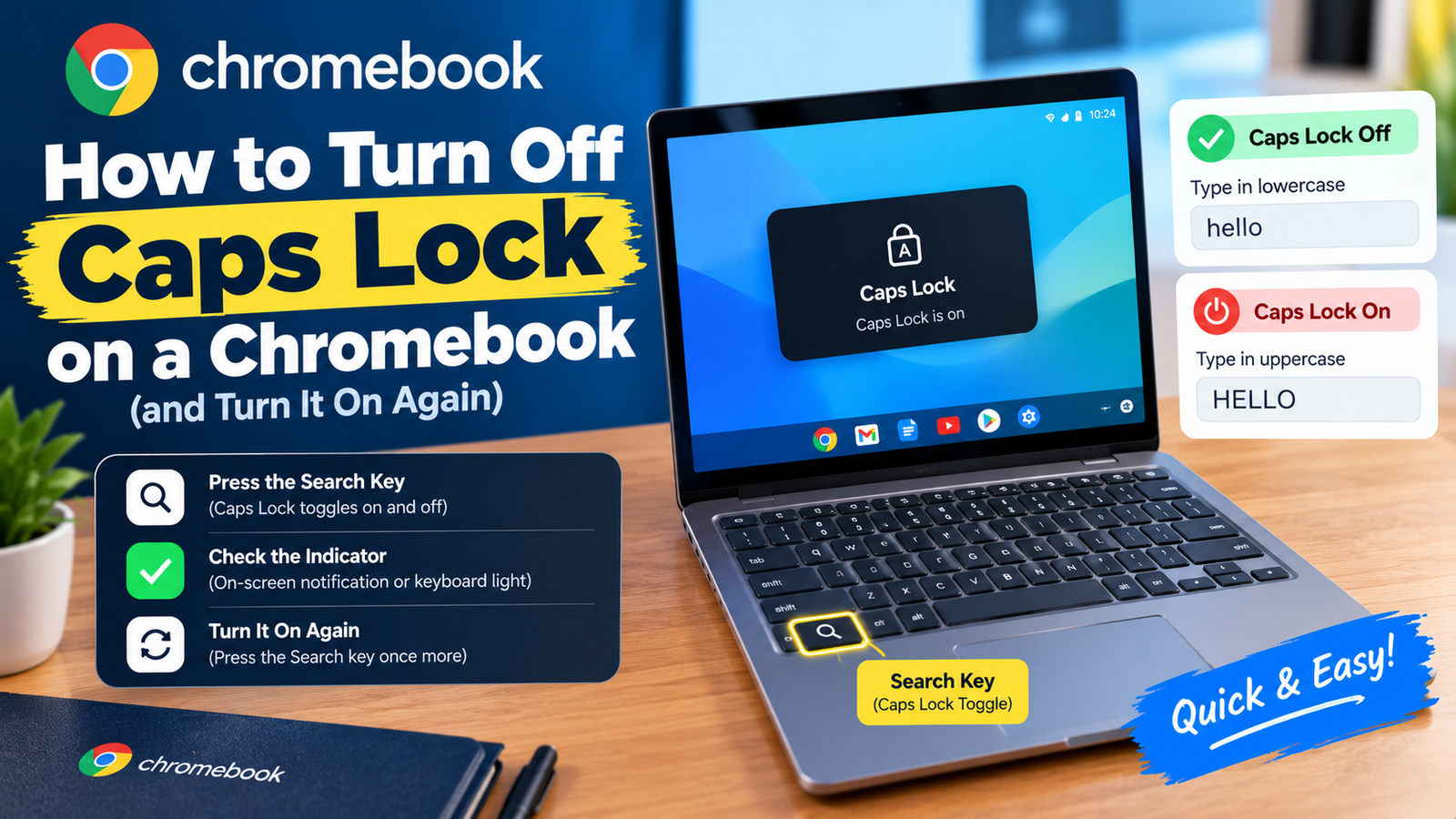
To turn off Caps Lock on a Chromebook, press Alt + Search again, or simply tap the Shift key. The same Alt + Search shortcut turns it on. Chromebooks do not have a dedicated Caps Lock key, which is why it is easy to switch on by accident and hard to find the way back.
Below are all the ways to turn it off, how to tell whether it is on, and how to give yourself a proper Caps Lock key if you miss having one.
How to Turn Off Caps Lock on a Chromebook: Every Method
| Your keyboard has | Shortcut to turn Caps Lock on or off |
|---|---|
| A Search key (magnifying glass) | Alt + Search |
| A Launcher key (circle or dot) | Alt + Launcher |
| A Quick Insert key (newer Chromebook Plus models) | Fn + Quick Insert |
| Any Chromebook, to turn it off only | Tap Shift once |
The Search or Launcher key sits on the left side of the keyboard, where Caps Lock lives on a Windows or Mac keyboard. Google sometimes calls it the Everything Button. The shortcuts above are the ones listed in Google’s Chromebook keyboard guide.
Turning Caps Lock off with the mouse or touchpad
- Look at the bottom-right corner of the screen, next to the clock.
- When Caps Lock is on, an icon with an upward arrow appears there.
- Click the time to open the panel, then click the Caps Lock is on notice to switch it off.
How to Tell Whether Caps Lock Is On
There is no light on the keyboard, so check the screen. A small Caps Lock indicator shows in the status area at the bottom right for as long as it is active, and a brief message appears when you turn it on. On the sign-in screen, the password box also shows a Caps Lock symbol, which is the first thing to check when a correct password keeps being rejected.
Why Chromebooks Do Not Have a Caps Lock Key
Google replaced it on purpose. When Chromebooks launched, the designers gave that prime spot on the keyboard to a Search key, reasoning that people search far more often than they type in capitals. The function was kept and moved behind a shortcut.
How to Turn the Search Key Into a Permanent Caps Lock Key
If you type a lot of capitals, you can reassign the key so it behaves like a traditional Caps Lock.
- Click the time in the bottom-right corner, then click the Settings gear.
- Select Device.
- Open Keyboard and inputs. On older versions of ChromeOS this is just called Keyboard.
- Choose Customize keyboard keys. Older versions list the keys directly on the Keyboard page.
- Find the Search or Launcher key and change its dropdown to Caps Lock.
The change applies straight away. You give up the one-press search shortcut, but you can still open the launcher by clicking the circle icon in the corner of the screen. To undo it, return to the same menu and set the key back to its default.
Using an external keyboard
Plug in or pair any standard keyboard and its Caps Lock key works on a Chromebook exactly as you would expect, with no setup.
What to Do If Caps Lock Is Stuck On or Keeps Turning On by Itself
- You keep hitting Alt + Search by accident. This is the most common cause, especially when reaching for Alt + Tab. If it keeps happening, remap the Search key as described above or set it to do nothing.
- Everything types in capitals but the indicator is off. Sticky keys may be holding Shift down. Go to Settings, Accessibility, Keyboard and text input, and turn off Sticky keys.
- A key is physically stuck. Check both Shift keys for crumbs or damage. Try the on-screen keyboard from the Accessibility settings to confirm whether the hardware is at fault.
- An external keyboard is connected. Its Caps Lock state can carry over. Press its Caps Lock key or disconnect it.
- Nothing works. Restart the Chromebook. Caps Lock resets to off each time it starts up.
Frequently Asked Questions About Caps Lock on a Chromebook
Where is the Caps Lock key on a Chromebook?
There is none by default. The Search or Launcher key takes its place, and Alt plus that key acts as Caps Lock.
How do I type capital letters without Caps Lock?
Hold Shift while you type the letter, the same as on any keyboard.
Why does my Chromebook password not work?
Caps Lock is often the reason. Look for the Caps Lock symbol in the password field and tap Shift to turn it off before trying again.
Does the Caps Lock shortcut work on a school Chromebook?
Yes. The Alt + Search shortcut works on managed devices. Schools can restrict the Settings menu, so remapping the key may not be available.
More from our tech guides: Windows 11 Home vs Pro and how to sync messages from iPhone to Mac.