
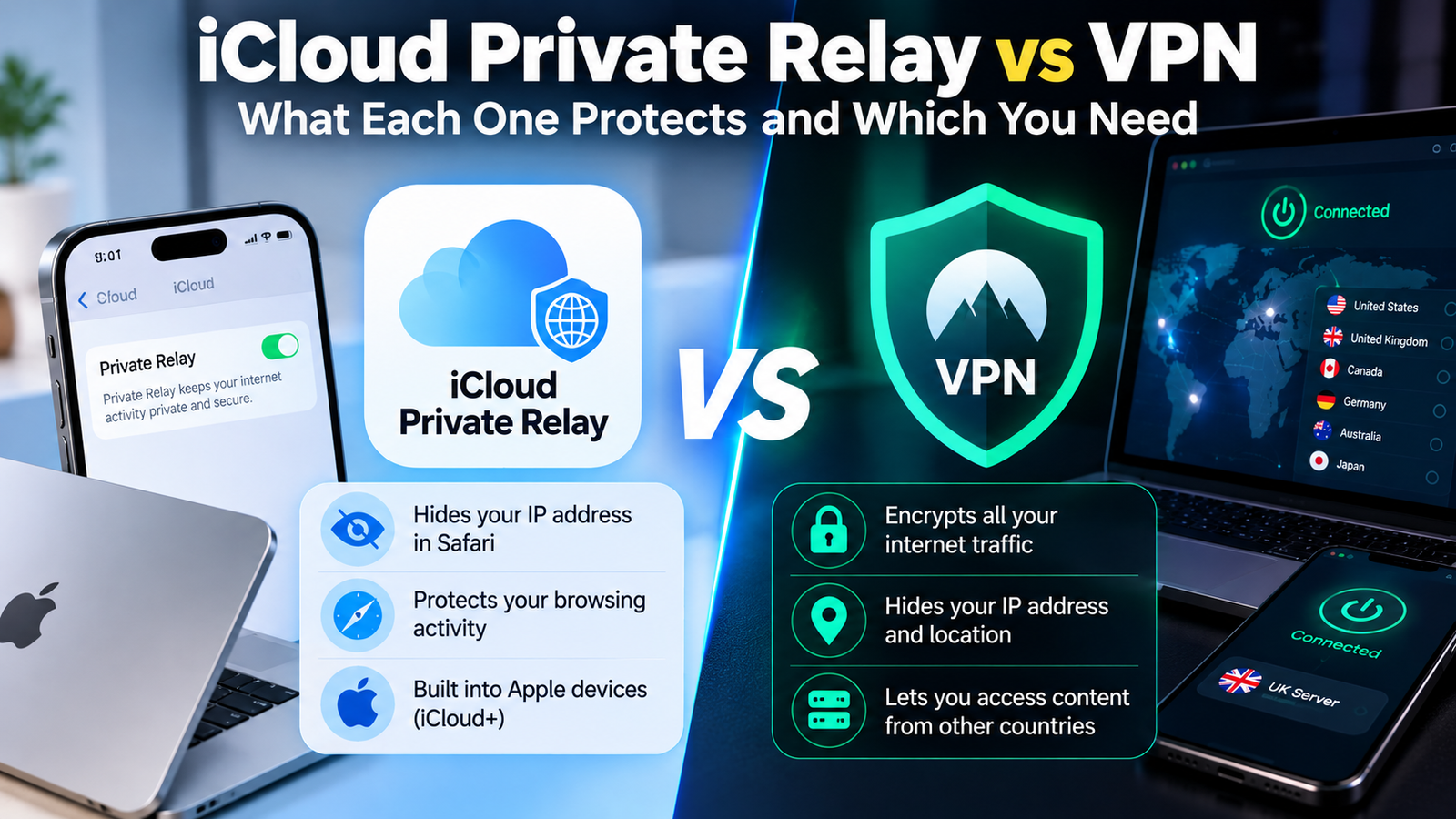
The difference between iCloud Private Relay and a VPN is coverage and control. Private Relay hides your IP address and browsing activity in Safari on Apple devices, while a VPN encrypts the traffic from every app on the device and lets you choose which country you appear to be in. Private Relay is a privacy feature for browsing. A VPN is a broader tool.
Which one you need depends on what you are trying to do. This comparison lays out what each covers and where each falls short.
iCloud Private Relay vs VPN at a Glance
| iCloud Private Relay | VPN | |
|---|---|---|
| What it covers | Safari browsing, DNS lookups and some unencrypted app traffic | All traffic from every app |
| Devices | iPhone, iPad and Mac | Almost anything, including Windows, Android, routers and TVs |
| Hides your IP address from websites | Yes, in Safari | Yes, everywhere |
| Choose your country | No | Yes |
| Unblocks region-locked streaming | No | Often |
| Who can see both who you are and what you visit | No single party, by design | The VPN provider, so trust matters |
| Cost | Included with iCloud+ | Separate subscription for a reputable one |
| Setup | One switch | Install an app and sign in |
How iCloud Private Relay Works
When you browse in Safari with Private Relay on, your request passes through two separate relays.
- The first relay is run by Apple. It can see your IP address, but the name of the website you are visiting is encrypted, so Apple cannot read it.
- The second relay is run by a third-party partner. It assigns you a temporary IP address and decrypts the website name so it can connect you, but it does not know who you are.
The outcome is that no one in the chain, including Apple, can see both your identity and the sites you visit. Apple describes the design in its support article About iCloud Private Relay.
To turn it on, open Settings, tap your name, tap iCloud, then Private Relay. You need an iCloud+ plan, which is any paid iCloud storage tier.
How a VPN Works Differently
A VPN creates one encrypted tunnel from your device to a server run by the VPN company, and everything you do online travels through it. Websites see the server’s IP address in place of yours. We explain the mechanics in what a VPN is and how it works and in VPN tunneling explained.
Because one company handles the whole connection, it could in principle see both your address and your destinations. That is why a provider’s no-logs policy and independent audits matter so much when choosing one.
What iCloud Private Relay Does Not Do
- It does not cover other browsers or most apps. Chrome, Firefox, games, streaming apps and email clients connect normally.
- It does not let you pick a location. You can only choose between keeping your general area or using a broader one within your country and time zone, so it will not help you watch another country’s catalogue.
- It does not work on Windows or Android.
- It is not available everywhere. Apple does not offer it in some countries and regions.
- It can be blocked. Some school, work and mobile networks do not support it, and the device simply tells you Private Relay is unavailable on that network.
- It does not hide activity from sites you log in to. Neither does a VPN.
What a VPN Does That Private Relay Cannot
- Protects every app, which matters on public Wi-Fi where not everything you use is a browser.
- Changes your virtual location to a specific country or city.
- Works across platforms, so one subscription covers a Windows laptop, an Android phone and a smart TV.
- Offers extras such as a kill switch, split tunneling and multi-hop routing. Our guide to what double VPN is covers the last one.
- Reaches a work network when your employer requires it.
Can You Use iCloud Private Relay and a VPN at the Same Time?
You can leave both switched on, but they do not stack. When a VPN is connected, your traffic goes through the VPN tunnel and Private Relay steps aside for that traffic. There is no harm in having Private Relay enabled for the times the VPN is off, and no extra benefit from trying to run both at once.
iCloud Private Relay vs VPN: Which One Should You Use?
Private Relay is enough if you use Apple devices, browse mainly in Safari, already pay for iCloud storage, and want to stop websites and your internet provider from building a profile of your browsing.
Choose a VPN if you use public Wi-Fi often, want protection in all apps, need to appear in another country, use Windows or Android, or need to connect to a workplace network.
Use both if you want Private Relay as an always-on default for Safari and a VPN for travel, public networks and anything outside the browser.
Frequently Asked Questions About Private Relay and VPNs
Is iCloud Private Relay a VPN?
No. It uses a similar idea of relaying traffic, but it only covers Safari and a few related connections, and it does not let you choose a location.
Is iCloud Private Relay free?
It is included with every paid iCloud+ plan at no extra charge. It is not available on the free 5GB iCloud tier.
Does Private Relay slow down my internet?
Most people notice little difference in everyday browsing. Apple notes that speed test results can read lower because of the way the relay connection works.
Does Private Relay hide my browsing from my employer or school?
It hides the sites you visit in Safari from the network operator, but managed networks can block Private Relay altogether, and managed devices can still be monitored in other ways.