
Ask ten people which AI assistant is best and you’ll get ten answers, and most of them will be right for that person. ChatGPT, Claude, and Gemini now cost the same $20 a month, handle similar everyday tasks, and ship new features almost weekly. What separates them is fit: where your work lives, what you use AI for, and how much you care about privacy.
This guide compares the leading AI assistants available in the US, explains who each one is best for, and helps you choose without paying for three subscriptions.
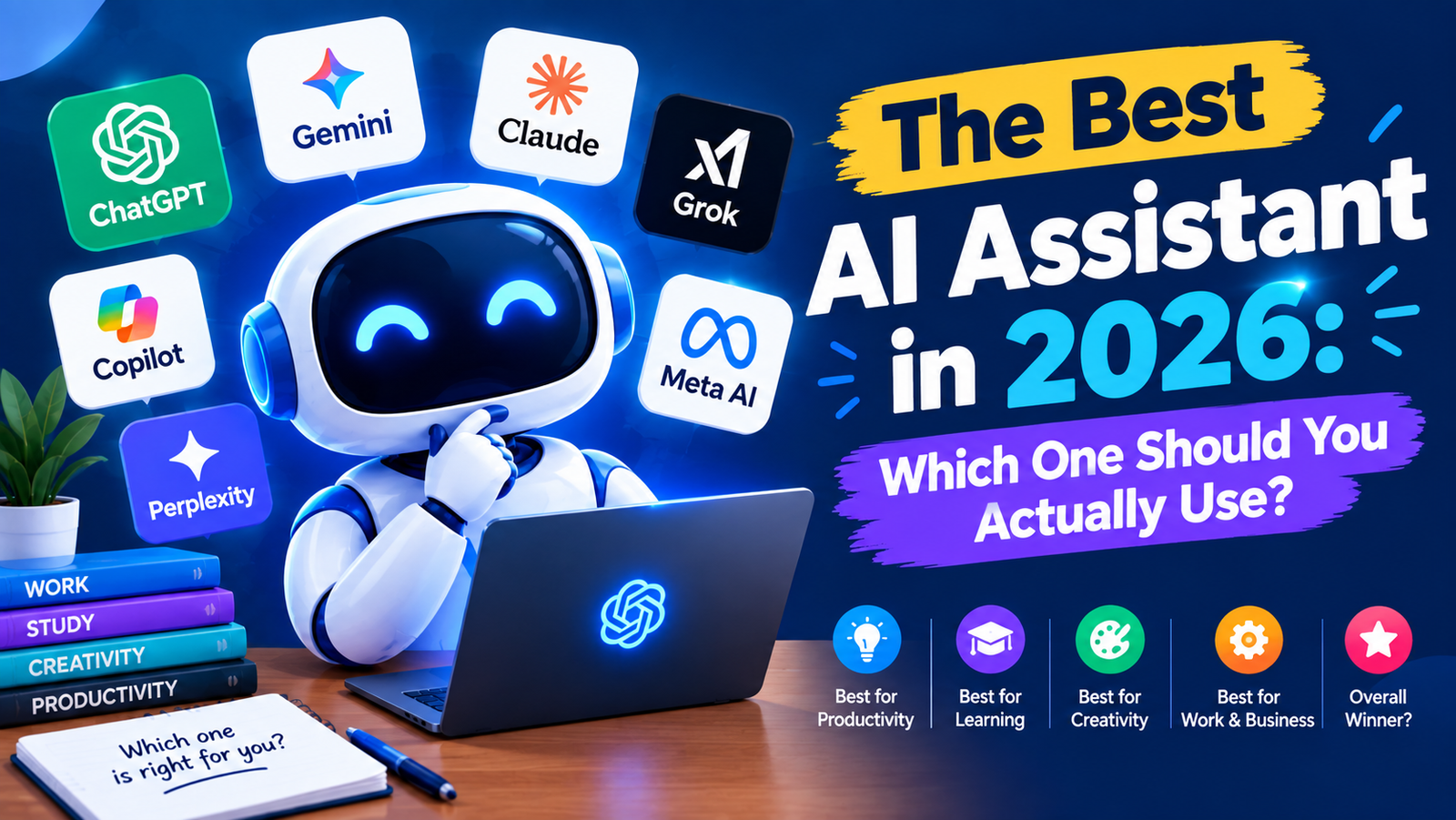
Quick answer: For most people, ChatGPT is the best all-round AI assistant. Choose Claude for writing, long documents, and coding; Gemini if you live in Gmail, Docs, and Android; Perplexity for research with sources; and Microsoft Copilot if your work runs on Microsoft 365.
What Counts as an AI Assistant in 2026?
The term now covers three different kinds of tools:
- Chat assistants like ChatGPT, Claude, and Gemini that answer questions, write, analyze files, and generate images.
- Voice assistants like Alexa+, Siri, and Gemini on Android, which control your phone and smart home by voice.
- Agentic assistants that take action for you, like browsing websites, filling in forms, or working through files on your computer. ChatGPT, Claude, and Gemini all now offer versions of this.
Most readers searching for the best AI assistant want a chat assistant for daily work, so that’s the focus here, with voice assistants covered separately below.
How We Compared Them
We judged each assistant on five things that matter in daily use: answer quality, plagiarism in answers, and accuracy, useful features (memory, file uploads, web search, voice), integration with the apps you already use, privacy controls, and value for money. Pricing reflects standard US plans as of September 2026.
AI Assistants at a Glance
| Assistant | Best for | Free plan | Paid plans from |
|---|---|---|---|
| ChatGPT | All-round everyday use | Yes | $8/mo (Go), $20/mo (Plus) |
| Claude | Writing, long documents, coding | Yes | $20/mo (Pro) |
| Gemini | Google Workspace and Android users | Yes | $19.99/mo (Google AI Pro) |
| Microsoft Copilot | Windows and Microsoft 365 users | Yes | Included in Microsoft 365 plans |
| Perplexity | Research with cited sources | Yes | $20/mo (Pro) |
| Grok | Real-time news and X content | Limited | $30/mo (SuperGrok) |
| Alexa+ | Smart home and voice tasks | Free with Prime | $19.99/mo without Prime |
The Best AI Assistants, Reviewed
1. ChatGPT: Best overall for most people
ChatGPT is still the most widely used AI assistant and the most versatile. It handles writing, brainstorming, data analysis, image generation, and voice conversations well, and its memory feature learns your preferences over time. The ad-supported Go plan at $8 a month is a cheap step up from free, while Plus unlocks higher limits and the latest models.
Watch out for: It can sound confident when it’s wrong, so verify facts that matter. The low-cost Go plan is ad-supported.
2. Claude: Best for writing, long documents, and coding
Anthropic’s Claude is known for natural, less robotic writing and for handling very long documents, like contracts, reports, or entire books, in one conversation. It also leads many published coding benchmarks, and Claude Code is a favorite among developers. Projects let you keep files and instructions together for ongoing work.
Watch out for: Usage limits on the free plan are tighter, and it has no built-in image generator.
3. Google Gemini: Best for Google users
If your day runs through Gmail, Docs, Drive, and Calendar, Gemini is hard to beat. It can search your inbox, summarize documents, and schedule meetings where you already work. It’s now the default assistant on Android, where Google began retiring the classic Google Assistant on September 4, 2026. The Google AI Pro plan also bundles extra cloud storage.
Watch out for: Its value drops sharply if you don’t use Google’s apps.
4. Microsoft Copilot: Best for Microsoft 365
Copilot is built into Windows, Edge, Word, Excel, PowerPoint, and Outlook. For people who spend their day in Office apps, drafting a document or summarizing an email thread without switching windows is a real time-saver. A free version is available, and deeper Office features come with Microsoft 365 subscriptions.
Watch out for: Outside Microsoft’s ecosystem, it offers little that ChatGPT doesn’t do better.
5. Perplexity: Best for research
Perplexity works like a search engine that answers in plain language and shows its sources. Every answer links to the pages it drew from, so checking facts takes seconds. It’s the best choice for students, journalists, and anyone researching a purchase or topic.
Watch out for: It’s less suited to long creative writing or complex, multi-step projects.
Also worth knowing
Grok from xAI is strong at pulling real-time posts from X, but its standard paid tier costs more than rivals. Meta AI is free inside WhatsApp, Instagram, and Facebook, which makes it convenient for quick questions, though it’s less capable for serious work.
Best AI Voice Assistants
Voice assistants got a major overhaul in 2026. Alexa+ opened to all US customers in February and can now book reservations, handle schedules, and control a huge range of smart home devices. It’s free with Prime or $19.99 a month on its own. Siri is being rebuilt around Google’s Gemini models, a change Apple announced at WWDC 2026, and the upgrade requires a recent iPhone. On Android, Gemini has replaced Google Assistant.
For the smart home, Alexa+ has the widest device support. For iPhone users, Siri remains the most private and tightly integrated option.
How to Choose the Right AI Assistant
- Start with your ecosystem. Google users should try Gemini first, Microsoft 365 users Copilot, and everyone else ChatGPT or Claude.
- Match your main task. Writing and coding lean toward Claude, research toward Perplexity, and mixed everyday use toward ChatGPT.
- Run the same test. Give two or three free assistants the same real task from your work and compare the results side by side.
- Pay for one, not three. Most people only need one $20 plan. Upgrade when you regularly hit the free limits.
A Quick Word on Privacy
Consumer AI plans may use your conversations to improve their models unless you turn that off in settings, and the defaults differ by company. Before sharing anything sensitive, check the data controls in your assistant’s settings. For client or company data, business and enterprise plans typically exclude your chats from training.