
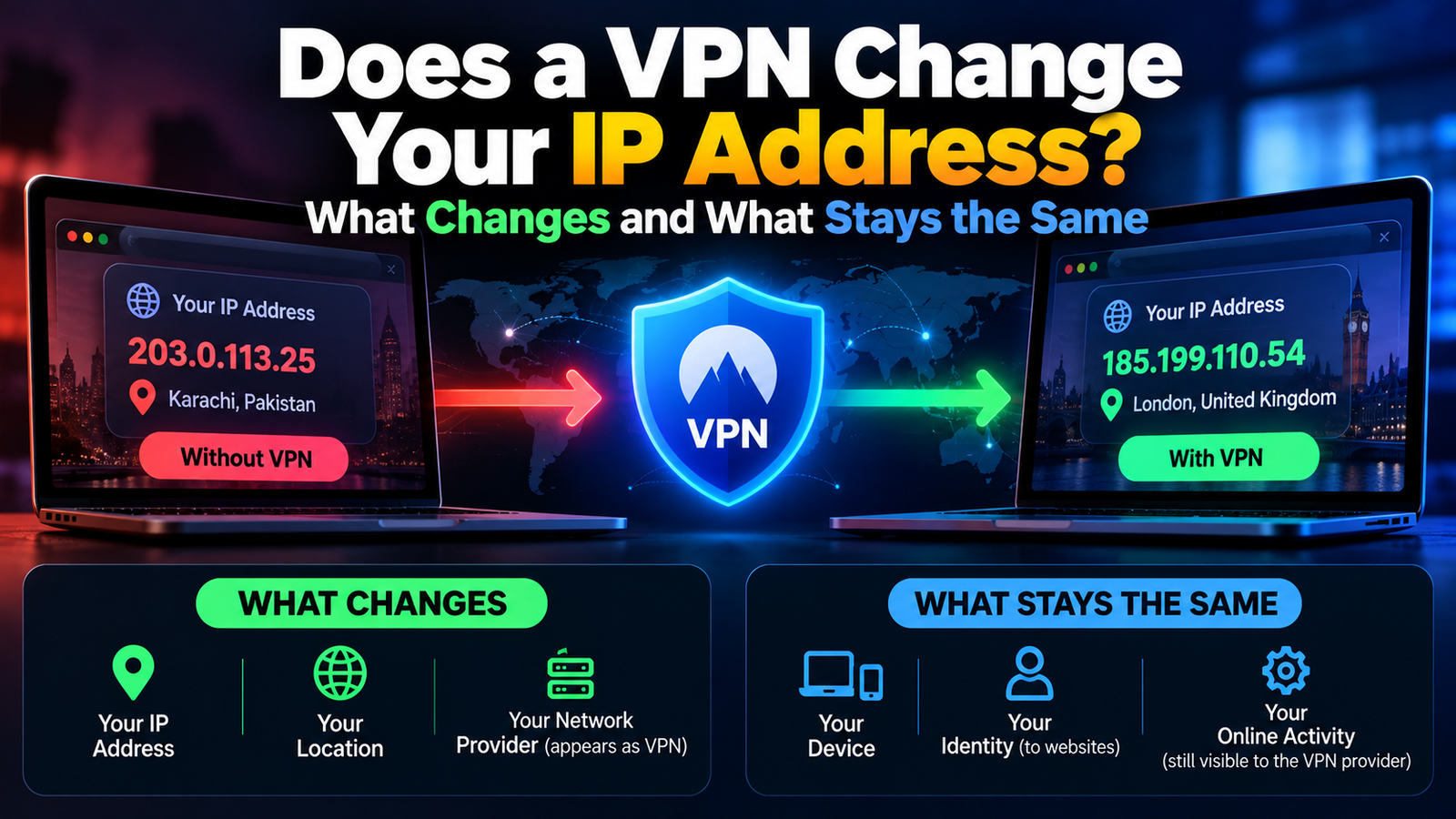
Yes, a VPN changes your IP address as far as the internet is concerned. Websites, apps and online services see the IP address of the VPN server you are connected to, not the public IP address your internet provider gave you. Your device’s local address on your home network stays the same.
That distinction explains most of the confusion around this question. Here is exactly what changes, what does not, and how to confirm it is working.
Which IP Address a VPN Changes: Public vs Local
Every device online has two kinds of address.
| Public IP address | Local (private) IP address | |
|---|---|---|
| What it is | The address your internet provider assigns to your connection | The address your router gives each device at home |
| Who sees it | Every website and service you connect to | Only devices on the same network |
| Typical example | Looks like 203.0.113.25 | Usually starts with 192.168 or 10 |
| Does a VPN change it? | Yes, sites see the VPN server’s address | No |
So when people ask whether a VPN hides their IP, the useful answer is: it hides the one that matters for privacy, the public one.
How a VPN Changes Your IP Address
- You connect to a VPN server through the app.
- Your device creates an encrypted tunnel to that server.
- All your internet traffic travels through the tunnel to the server first.
- The server forwards your requests to websites using its own IP address.
- Replies return to the server, which sends them back to you through the tunnel.
The website only ever deals with the server. For the full picture, see what a VPN is and how it works and VPN tunneling explained.
What Else Changes When Your IP Address Changes
- Your apparent location. Sites estimate where you are from your IP address. Connect to a server in another city or country and that is where you appear to be.
- What your internet provider can see. It can tell you are using a VPN and how much data you use, but not which sites you visit.
- What a public Wi-Fi operator can see. The same applies to the coffee shop or airport network.
- The address is usually shared. Many customers use the same server address at once, which makes it harder to tie activity to one person.
What a VPN Does Not Change or Hide
- Your accounts. If you are signed in to Google, Facebook or a shop, they know it is you regardless of IP address.
- Cookies and browser fingerprinting. Trackers recognize your browser by many other signals.
- GPS location. Apps with location permission on your phone still get your real position.
- Your device’s MAC address and local IP.
- What the VPN provider itself can see. You are moving trust from your internet provider to the VPN company, which is why a no-logs policy matters.
How to Check That Your VPN Changed Your IP Address
- With the VPN off, search “what is my IP” or open any IP lookup site and note the address and location.
- Turn the VPN on and connect to a server.
- Refresh the lookup page.
- The address and location should now match the VPN server, not your own.
If the address did not change, the VPN is not connected, or your browser is bypassing it through a split tunneling rule.
When Your Real IP Address Can Still Leak Through a VPN
- IPv6 leaks. If your connection has an IPv6 address and the VPN only handles IPv4, some traffic can travel outside the tunnel. Good VPN apps block or route IPv6. If yours does not, disable IPv6 on the device.
- DNS leaks. Your device may keep sending website lookups to your internet provider. Turn on DNS leak protection in the app.
- WebRTC leaks. A browser feature used for video calls can reveal your real address to a web page. Most VPN browser extensions block this, and browsers have settings to limit it.
- Dropped connections. When the VPN disconnects, your traffic uses your real IP until it reconnects. A kill switch prevents that. See why a VPN keeps disconnecting for the causes.
The Electronic Frontier Foundation’s guide to choosing the VPN that is right for you is a good, independent read on what VPNs can and cannot protect.
Does Your VPN IP Address Change Every Time You Connect?
Usually, yes. Most VPNs assign a shared address from a pool, so you often get a different one each session or each time you pick another server. If you need the same address every time, for example to reach a work system that only accepts approved addresses, many providers sell a dedicated IP as an add-on. It is more convenient and slightly less private, because the address is yours alone.
Frequently Asked Questions About VPNs and IP Addresses
Does a VPN change your IP address on your phone?
Yes. It works the same on phones, on both Wi-Fi and mobile data.
Does a VPN change your IP address for other devices on the network?
No. It only affects the device the app is running on, unless you install the VPN on your router, which then covers everything connected to it.
Can websites tell I am using a VPN?
Often, yes. Many VPN server addresses are publicly known, so streaming services and banks can detect them and may ask for extra verification or block access.
Does incognito mode change my IP address?
No. Private browsing only stops your browser from saving history and cookies. Your IP address stays the same.