
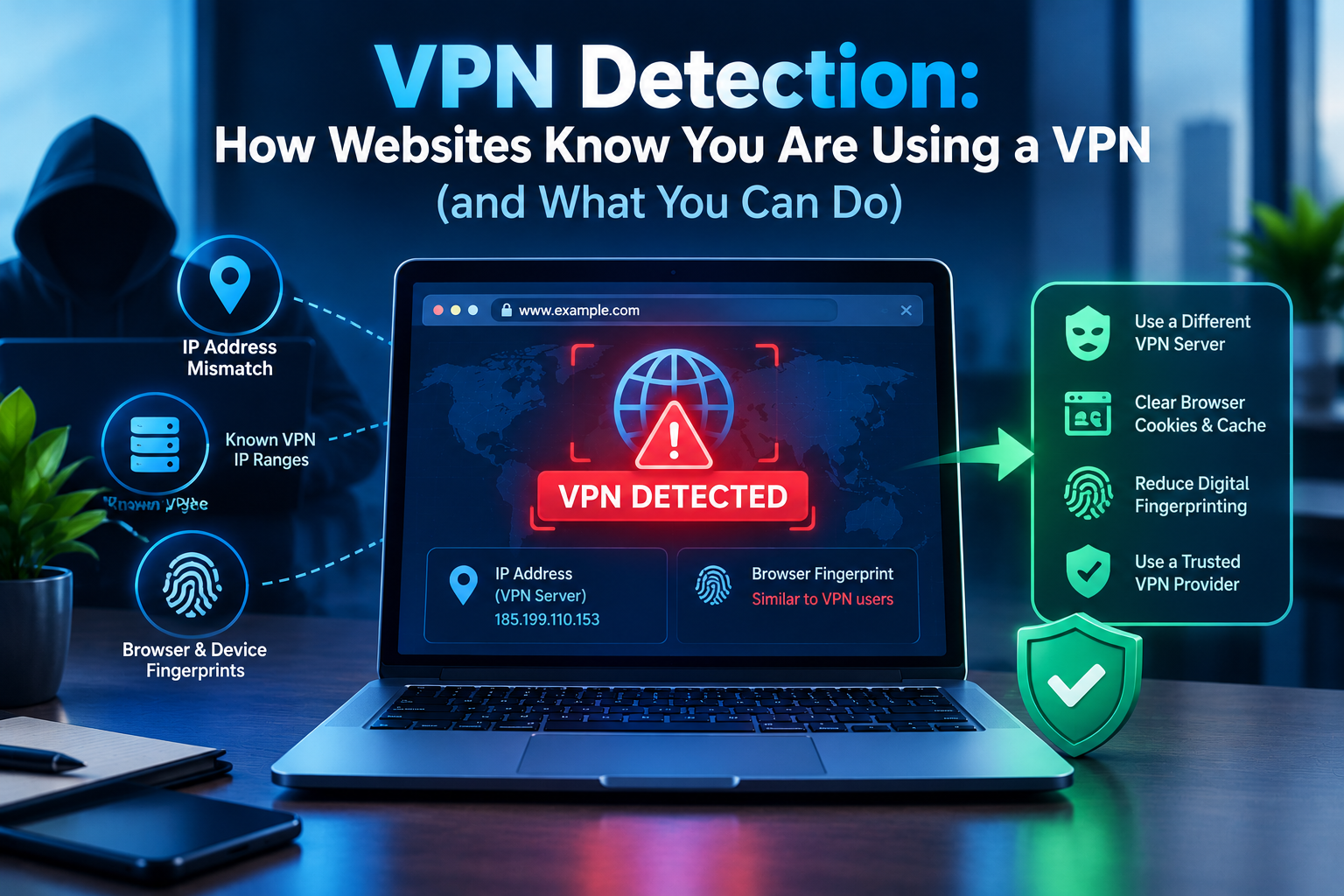
VPN detection is how websites, apps and networks figure out that you are connecting through a VPN, most often by checking your IP address against databases of known VPN and data-centre IP ranges. Other clues include DNS or WebRTC leaks that reveal your real location, a device time zone that does not match your IP, and network-level traffic analysis that recognises VPN protocols.
Understanding these methods helps you see why a streaming service shows a “proxy detected” message, why your bank asks for extra verification, or why a VPN will not connect on school or office Wi-Fi.
Why Websites and Networks Detect VPNs
- Streaming services enforce regional licensing deals.
- Banks and payment sites watch for fraud, and sudden location jumps look suspicious.
- Online games and marketplaces fight cheating, bots and account abuse.
- Schools, workplaces and some governments block VPNs to control network use.
7 Common VPN Detection Methods
1. IP reputation databases
The biggest giveaway. Commercial databases track IP ranges owned by hosting companies and VPN providers. Because most VPN servers sit in data centres rather than homes, their addresses are easy to flag. Your IP’s owner (its ASN) is public information, which we cover in our guide on how a VPN changes your IP address.
2. Many users on one IP
Hundreds of different accounts logging in from the same address within minutes is a strong signal of a shared VPN server.
3. DNS leaks
If your DNS requests bypass the VPN and go to your internet provider’s resolver, a site can see that your DNS server is in one country while your IP address is in another.
4. WebRTC leaks
WebRTC, used for browser video calls, can expose your real IP address to websites if the browser or VPN does not block it. You can test this on tools like BrowserLeaks’ WebRTC test.
5. Time zone and language mismatch
Your browser reports your device’s time zone and language. A Tokyo IP address with a New York time zone and US English settings stands out.
6. GPS and device location
Mobile apps can request your phone’s location services. If GPS says London and your IP says Toronto, the app knows something is off.
7. Deep packet inspection (DPI)
Networks can analyse traffic patterns to recognise protocols like OpenVPN and WireGuard even when the content is encrypted, then throttle or block them. Our comparison of VPN protocols explains how each one looks on the network.
How to Check If Your VPN Is Detectable
- Check your IP: connect to the VPN and search “what is my IP”. Confirm the location and owner change.
- Run a DNS leak test: the resolvers listed should belong to your VPN provider, not your internet provider.
- Run a WebRTC test: your real IP should not appear anywhere.
- Compare time zone: see whether your device time zone matches the VPN server’s country.
How to Make a VPN Less Detectable
- Use obfuscation or stealth modes. Many VPNs offer protocols that disguise VPN traffic as normal HTTPS, which helps on restrictive networks.
- Consider a dedicated IP. An address used only by you is far less likely to be blocklisted than a shared server.
- Turn on leak protection and the kill switch so DNS and traffic never escape the tunnel.
- Disable or restrict WebRTC in your browser if your VPN does not block it.
- Switch servers if one gets blocked; providers rotate addresses regularly.
Be aware that using a VPN to get around a service’s rules can break its terms of use, and some countries restrict VPN use. Always follow local laws and the policies of networks you use.
VPN Detection vs Other Privacy Tools
Apple’s iCloud Private Relay is rarely blocked because it keeps your approximate region and is designed to be friendly to websites; see our comparison of iCloud Private Relay vs a VPN. Multi-hop setups add privacy but do not make detection less likely, as explained in our guide to double VPN.
VPN Detection FAQ
Can websites tell if I am using a VPN?
Often, yes. Most detection comes from checking whether your IP belongs to a known VPN or data-centre range.
Is it illegal to use a VPN?
In most countries, including the US, UK and Canada, using a VPN is legal. Some countries restrict or ban them, and using a VPN does not make illegal activity legal.
Can my internet provider see I am using a VPN?
Your provider can usually see that you are connected to a VPN server, but not the websites you visit or the content of your traffic.
Why does Netflix say I am using a proxy?
Your VPN server’s IP is on its blocklist. Switching servers, using a provider that supports streaming, or a dedicated IP may help.
Do free VPNs get detected more often?
Generally, yes. Free servers are shared by many users and have fewer IP addresses, so they are easier to identify and block.